
Google Keyword Planner for SEO: An 11-Step Blueprint to Find High-Intent & Local Keywords
If you want more ready-to-buy visitors, you need more than guesswork. You need a repeatable plan that turns search data into pages that convert. That is exactly what the Google Keyword Planner can do for you when it is used through the lens of SEO (search engine optimization). Instead of drowning in thousands of ideas, you will surface the handful of high-intent phrases your customers type right before they click call, book, or buy. In this guide, I will walk you through an 11-step blueprint we use at Internetzone I to uncover national and local keywords, prioritize by business impact, and turn those terms into revenue-generating content. And yes, we will keep this super practical, with examples, quick wins, and the exact filters that save hours.
Start Here: What High-Intent Really Means for Searchers
High intent is not about big search volume. It is about closeness to action. A person typing best accounting software pricing has a stronger purchase intent than someone typing accounting tips. Industry studies suggest the top organic result often earns around a 28 percent CTR (click-through rate), yet that click is only valuable if the intent matches your offer. For local businesses, intent gets even sharper. Roughly 40 to 50 percent of searches show local cues like near me or city names, and a meaningful share of these searches result in a call or visit within a day. That is why Internetzone I treats intent modifiers as the compass for SEO (search engine optimization) and PPC (pay-per-click) planning.
To get your bearings fast, scan for words that reveal purpose. Commercial intent terms include buy, price, quote, demo, near me, open now, best, compare, and reviews. Informational intent includes what is, how to, guide, checklist. Navigational intent includes brand names or product names. When you blend these signals with location filters, the picture gets crisp. Someone typing emergency plumber near me at 10 pm has a much higher ROI (return on investment) potential than a generic plumbing tips search. The key is to prioritize what creates pipeline and then let content educate, persuade, and convert with the right page type.
Your Google Keyword Planner 11-Step Blueprint
Step 1: Get Into the Tool With Clarity
Watch This Helpful Video
To help you better understand google keyword planner, we’ve included this informative video from Ahrefs. It provides valuable insights and visual demonstrations that complement the written content.
Open a free Google Ads (Google advertising) account and access Keyword Planner from the Tools menu. You do not need to run ads to research. Before you click anything, decide your outcome and KPI (key performance indicator). Are you after leads, purchases, store visits, or booked demos. Write down one primary KPI (key performance indicator) and two secondary metrics like CTR (click-through rate) or conversion rate. This clarity prevents rabbit holes and keeps your research aligned with revenue goals. At Internetzone I, we align this step with analytics baselines so the terms we find can be tracked to business results across SEO (search engine optimization) and PPC (pay-per-click) campaigns.
Step 2: Seed the Planner the Smart Way
Use Discover new keywords and enter 3 to 5 seed phrases that describe your offer plus one competitor domain. Mix head terms and long-tail phrases. For example, accounting software, small business accounting software, accounting software pricing, and a competitor URL (uniform resource locator). This produces broader and more realistic ideas than a single seed. Pro tip from our AdWords-certified PPC (pay-per-click) services team at Internetzone I: run two batches of seeds, one commercial heavy and one informational heavy, so you can segment content types later without rework.
Step 3: Lock in Geography for Local Precision
Click location settings and target your actual market. Choose city, county, state, or radius. If you serve multiple cities, run separate location sets and compare results. Local intent often reveals gems like 24 hour dentist [city] or [service] near [neighborhood]. If you are national, still test city overlays to spot regional pockets of demand. Geography is where many teams misread demand. Internetzone I routinely finds that a term with modest national volume becomes a top performer when mapped to the correct metro page and supported by a mobile-first page from our Web Design (mobile responsive, SEO-focused) team.
Step 4: Filter for Buying Signals
Use includes filters to add commercial modifiers like buy, price, cost, quote, book, schedule, near me, best, top, and compare. Use excludes to remove career, jobs, free, DIY, and training if those are not your audience. The goal is to move from thousands of ideas to a tight set where intent and context match your offer. High CPC (cost per click) values and high competition often validate commercial intent even when organic volume looks average. That is a sign of real money changing hands. It is exactly where SEO (search engine optimization) pages can win sustainably.
Step 5: Read Volume Trends Like a Pro
Open the monthly trend view. Look for seasonal spikes and plateaus. If a term surges in March and dips in September, plan content and internal linking to publish six to eight weeks before peak. For evergreen terms, consistent demand suggests a pillar page opportunity. Internetzone I pairs this with publishing cadences managed through our Managed Web Services to ensure your site is always a step ahead of demand. Timing your content around demand is a simple way to lift CTR (click-through rate) and conversion without increasing ad spend.
Step 6: Use CPC and Competition as Value Signals
The planner is built for ads, but its CPC (cost per click) and competition scores are gold for SEO (search engine optimization). Higher CPC (cost per click) usually means advertisers see revenue come back. If a keyword shows strong CPC (cost per click) and rising trend, even modest organic volume can be worth a dedicated page. Combine this with SERP (search engine results page) checks. If the top results are product or service pages, the commercial fit is likely strong. Internetzone I blends these signals with on-page testing to prioritize terms that turn into pipeline, not just traffic.
Step 7: Validate the SERP Before You Commit
Open a clean browser and search the top candidates. Do you see a map pack, review stars, product carousels, or long-form guides. The SERP (search engine results page) tells you the content type Google expects. If the page shows a map pack, build a local service page supported by a robust Google Business Profile. If you see listicles, create a comparison page. This prevents misfires like publishing a blog where a location page should go. Aligning page type to SERP (search engine results page) intent is the difference between page two and position one.
Step 8: Cluster and Name Your Themes
Group similar keywords into clusters that answer one intent. For example, plumbing repair near me, emergency plumber [city], 24 hour plumber [city] live together. Name the cluster using the highest intent phrase. Then map one primary page and a few supporting posts. Internetzone I uses this cluster approach across SEO (search engine optimization), PPC (pay-per-click), and eCommerce Solutions to keep site architecture clean, internal links purposeful, and reporting tidy. Clean clusters make it easier to expand later without cannibalizing rankings.
Step 9: Map Keywords to Pages and Page Types
Assign every high-value term and cluster to a page type. Options include service page, location page, category page, product page, comparison page, and guide. Use descriptive URLs (uniform resource locators), write compelling titles and meta descriptions, and plan internal links from related posts and hub pages. If you sell online, coordinate with your eCommerce Solutions team to ensure filters, schema, and inventory logic support the queries you are targeting. This is where Internetzone I blends Web Design (mobile responsive, SEO-focused) with SEO (search engine optimization) to ship pages that both rank and convert.
Step 10: Optimize Content for Skim and Substance
Write for scanners first and experts second. Use scannable headings, short paragraphs, and clear calls to action. Answer the question in the first 100 words, then deepen with comparisons, FAQs, and proof points. Sprinkle in related terms so Google understands the topic contextually. Add structured data where relevant and make sure your page speed shines on mobile. Our Managed Web Services keep these technical elements tuned, while Reputation Management adds star ratings and reviews that lift CTR (click-through rate) for local and national SERP (search engine results page) results.
Step 11: Track, Test, and Iterate
Set benchmarks for rankings, CTR (click-through rate), conversion rate, and assisted conversions. Use Google Search Console for impressions and queries, and analytics for engagement and revenue. Revisit your shortlist monthly. Add rising queries, prune underperformers, and refresh content when trends change. If a term is close to page one, prioritize internal links and title testing. When a page hits a ceiling, our AdWords-certified PPC (pay-per-click) services can pair it with targeted ads to capture more of the demand while SEO (search engine optimization) continues compounding.
Local vs National Keyword Strategy: What Changes and Why
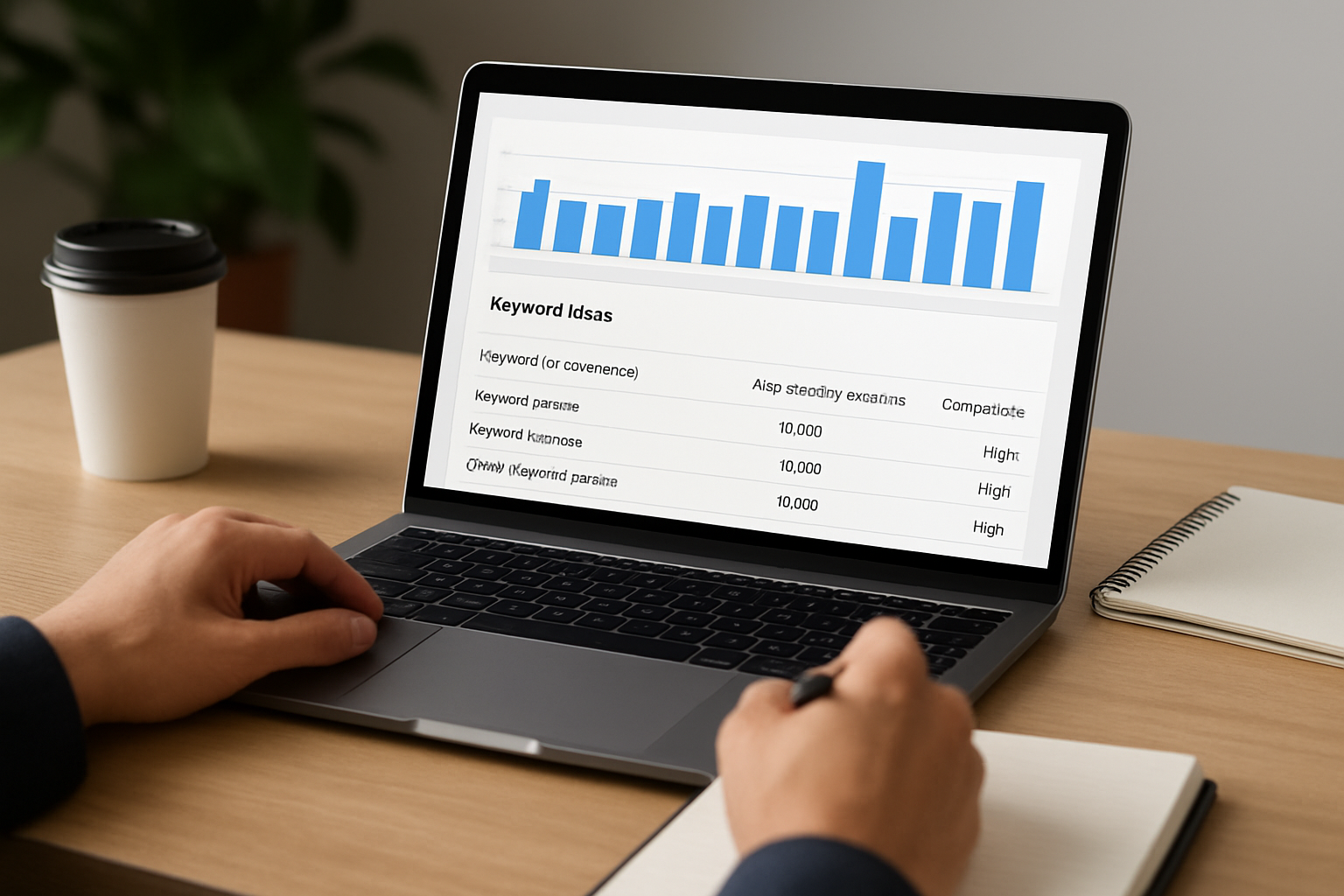
Local and national searchers bring different expectations. Local users want proximity, trust signals, and availability now. National users want depth, comparisons, and price clarity. That shift changes everything from modifiers to page types and even the proof you show. Below is a quick comparison we use at Internetzone I to align content, technical setup, and Reputation Management with the reality of each audience. Consider reading the table top to bottom and marking which column matches your current plan. If the boxes you check are mismatched, you have found a fast improvement opportunity.
| Strategy Area | Local Focus | National Focus | Useful Planner Filters |
|---|---|---|---|
| Intent Modifiers | near me, open now, [city], emergency, best [service] [city] | best, compare, pricing, reviews, top, alternatives | Include near me, city names, open; Exclude jobs, training |
| Page Types | Location pages, service pages, FAQ, contact, Google Business Profile links | Category pages, product pages, comparisons, detailed guides | Refine by brand, non-brand, service categories |
| Proof Signals | Reviews, star ratings, local awards, maps, phone number | Case studies, benchmarks, certifications, analyst quotes | Filter by includes reviews, best, price |
| Technical Emphasis | Mobile speed, tap-to-call, schema for LocalBusiness | Schema for Product, Article, and FAQ, strong internal linking | Narrow by device, location, and brand queries |
| KPIs | Calls, directions, form fills, CTR (click-through rate) from map pack | Trials, demos, add-to-cart, time on page, revenue | Compare CPC (cost per click) and competition across geos |
From Data to Decisions: Prioritizing Keywords With Confidence
Data is only useful when it drives a decision. Here is a simple framework Internetzone I uses to turn planner metrics into next actions. The idea is not to chase the biggest number. It is to chase the outcome that moves your KPI (key performance indicator) and ROI (return on investment). Combine two or three signals at a time, then pressure test your picks with a fast SERP (search engine results page) check. If the decision is still fuzzy, build a quick draft, run it for two weeks, and measure CTR (click-through rate) and early conversions. Speed creates clarity, and clarity produces wins.
| Metric | What It Suggests | Action to Take |
|---|---|---|
| High CPC (cost per click) + High Competition | Strong commercial value and proven advertiser interest | Build a conversion-focused service or product page, then support with a comparison post |
| Rising 12-Month Trend | Growing demand and possible content gap | Publish within 4 to 6 weeks, add FAQs, and plan internal links from related posts |
| Moderate Volume + Local Modifiers | Niche but highly qualified traffic | Create a location page with reviews and a clear call to action |
| Low CPC (cost per click) + Informational Terms | Top-of-funnel interest and education need | Write a guide, add a calculator or checklist, and nurture with email |
| Map Pack on SERP (search engine results page) | Local intent and proximity importance | Optimize Google Business Profile and embed local schema on the page |
Real-World Example: How Internetzone I Turns Queries Into Revenue

A regional dental chain came to Internetzone I with a common problem. They ranked for broad terms like dental care but not the money terms like emergency dentist near me, Invisalign cost [city], or Saturday dentist [city]. Using the Google Keyword Planner, we built two seed sets, applied location filters for their three metros, and layered in commercial modifiers. The data showed lower national volume but strong CPC (cost per click) and competition for emergency and weekend availability terms. That was our signal to lead with conversion pages, not blogs.
Our Web Design (mobile responsive, SEO-focused) team launched fast-loading service and location pages with tap-to-call, map embeds, and appointment CTAs. Reputation Management sourced fresh reviews and star ratings to increase CTR (click-through rate) for local queries. The AdWords-certified PPC (pay-per-click) services group mirrored the keyword clusters in ads to cover immediate demand while SEO (search engine optimization) matured. Over the next 90 days, they saw more calls originating from emergency dentist pages, a higher CTR (click-through rate) from results containing review stars, and clear growth in booked appointments tracked to those clusters. The same blueprint works for eCommerce Solutions too, where modifiers like free shipping today, compare, and best price often map to category and comparison pages that produce revenue, not just visits.
FAQ: Quick Answers to Big Keyword Questions
What volume should I chase. Volume is helpful, but CPC (cost per click) and competition often tell you where money flows. Start with commercially loaded phrases even if monthly volume looks modest. Do I need both SEO (search engine optimization) and PPC (pay-per-click). If you want faster learning and fuller coverage, yes. Ads validate conversion language quickly while organic compounding saves money long term. How do I handle multiple locations. Create a scalable template for location pages, maintain a robust Google Business Profile for each, and use consistent internal linking. Internetzone I’s Managed Web Services keep those templates clean, fast, and easy to update as your footprint grows.
Where Your Keyword Strategy Goes Next
You now have a clear, practical blueprint to turn search data into traffic, leads, and sales.
Imagine the next 12 months with pages that match intent so well that prospects feel you read their minds, from near me emergencies to national comparisons.
What would one more page-one win and three new high-intent local rankings do for your pipeline when powered by the Google Keyword Planner?
Additional Resources
Explore these authoritative resources to dive deeper into google keyword planner.
Amplify Google Keyword Planner Wins With Internetzone I
Turn Google Keyword Planner research into rankings and revenue with National & Local SEO (search engine optimization) guided by Internetzone I for stronger visibility, reputation, and performance.