What Responsive Web Design and a Mobile App Actually Solve
One audience, two very different delivery models
Watch This Helpful Video
To help you better understand responsive web design vs mobile app, we’ve included this informative video from Framer University. It provides valuable insights and visual demonstrations that complement the written content.
You’re standing in line at Target at 12:17 p.m. A shopper in front of you opens a brand site on her iPhone, finds the sneakers she wants, taps the next button, and suddenly lands in a different experience that seems to belong to a separate app. She pauses. The line inches forward. Her thumb hovers. You can almost hear the thought: wait, am I buying this here or somewhere else?
That tiny moment is the real heart of responsive web design vs mobile app. I’ve sat in plenty of kickoff meetings where someone asks, “Shouldn’t we have an app?” because a competitor has one. Fair question. Usually the better question is this: what problem are you trying to solve for the business and for the customer?
Why the decision affects cost, speed, and user experience
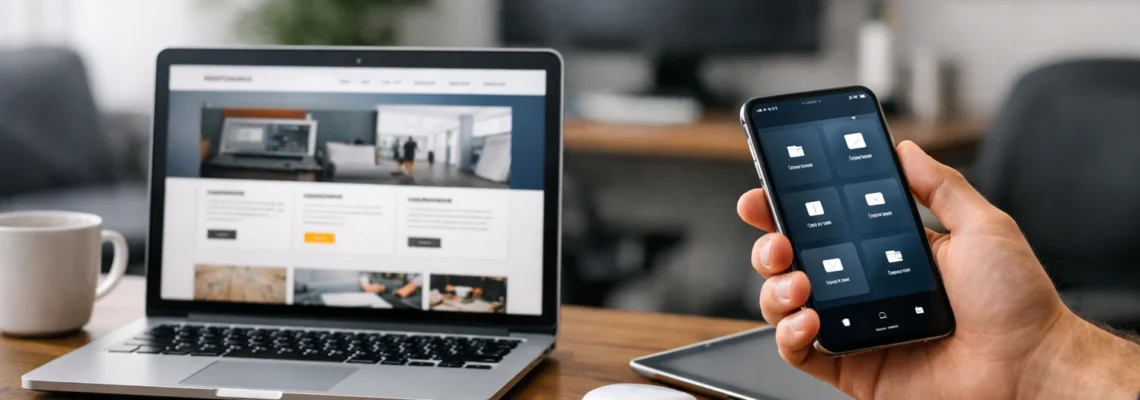
A responsive web experience is built to adapt across screen sizes, orientations, and platforms with a single codebase. That means the same core experience can stretch from a 27-inch desktop monitor to an iPad to a Samsung Galaxy without needing separate products for each screen. The big upside is reach — people can get in fast from Google, email, social, or a direct link.
A native mobile app plays a different game. It’s built for individual platforms like iOS and Android, and it’s usually framed as the more tailored, performance-optimized option. That can mean smoother interactions, tighter control, and better use of device features. It also changes the budget conversation, the maintenance plan, and your time to market. So no, this isn’t just a design preference. It’s a business decision with product consequences.
Start with the outcome you need most: reach, performance, or platform-specific depth.
What this article will compare side by side
We’re going to compare the stuff that actually matters when you’re spending real money: reach, access, performance, user experience, development cost, maintenance load, and how quickly you can launch. If you’re leading marketing, operations, or product, those are the variables that decide whether this thing earns its keep.
We’ll also keep one foot in reality. Some businesses need search visibility and easy sharing. Others need repeat engagement, stronger performance, and a product that feels more like Uber than a mobile website. Same audience. Very different delivery models.
Overview of Responsive Web Design
How responsive layouts adapt to different screens
Responsive web design is the web-first option. You create one experience that adjusts itself to whatever screen shows up. Layouts flex. Images resize. Navigation collapses. Forms change shape. The goal is simple: the site or web app should feel coherent whether someone opens it on a MacBook in Chicago, an iPad Mini on a sofa, or a Pixel phone in an airport gate area.
When it’s done well, the user doesn’t notice the mechanics. They just get a consistent experience across devices. The buttons still look like your brand. The typography still feels familiar. The hierarchy still makes sense. That overlap is real — designers moving between website work and app work, like Anya Jessop described in her BT experience, often keep using the same grids, typography, and colors even when the product changes.
Why one codebase simplifies maintenance
This is where responsive web design quietly saves teams from a lot of pain. One codebase means one core experience to update. If your pricing changes on Friday, your support article needs a rewrite, or your product page gets a new CTA before Black Friday, you’re not coordinating separate iOS and Android releases just to keep the basics aligned.
I’ve watched teams burn weeks on duplicated QA because the same checkout flow existed in multiple places. Web-first projects avoid a lot of that. You still test across browsers and devices, of course — Safari, Chrome, Android, desktop, tablet — but you’re not managing the same content and logic in totally separate platform builds.
Best rule of thumb: if your content must be easy to find and easy to share, the web usually has the edge.
Where web-first experiences tend to fit best
Responsive web design tends to fit businesses that need broad access with low friction. Think ecommerce catalogs, local service businesses, SaaS marketing sites, healthcare provider pages, school sites, event registration, or a law firm that wants a prospect to go from Google search to contact form in one smooth move. No install. No app store. No extra decision in the middle.
It also fits early-stage validation really well. If you’re still learning what customers want, the web lets you move faster, test messaging, refine offers, and build traffic. You can still carry a polished brand system into that work — same spacing rules, same components, same visual language — without committing to the heavier platform effort of a native app.
Overview of a Mobile App
What makes a native app different from a responsive site
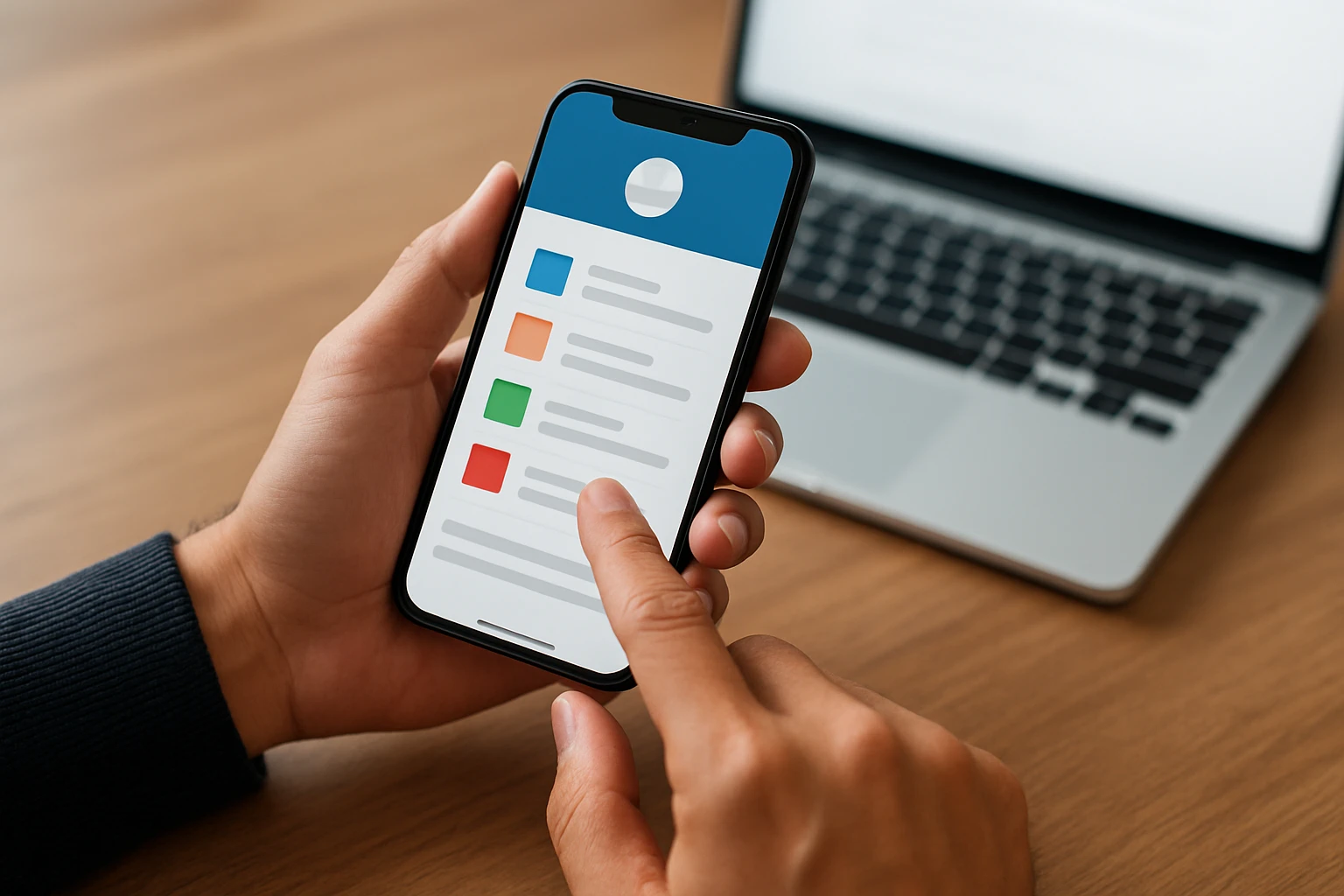
A native mobile app is built specifically for a platform, usually iOS or Android. That matters more than it sounds. You’re not just shrinking a website into a phone screen. You’re building for the conventions, capabilities, and expectations of the device itself. That’s why a strong app often feels less like “a site on a phone” and more like a product with a home-screen presence.
Because it’s platform-specific, the experience can be more tailored and more performance-optimized. Transitions feel tighter. Touch targets feel more intentional. Device features such as camera workflows, saved credentials, notifications, and offline behavior can fit more naturally. Open an app like Duolingo or your bank’s app and you’ll notice how little friction there is once you’re in.
Why apps can feel more tailored on iOS and Android
Native apps can follow the patterns users already know from their phones. On iPhone, that might mean familiar gestures, system controls, and polished motion. On Android, it might mean navigation and interactions that feel right at home with the platform. Those details sound small until you use them ten times a day. Then they’re the whole experience.
Apps also reduce context switching. There’s no browser bar, no stray tab, no competing search result waiting one tap away. If the job is important — checking an account balance, tracking a shipment, managing field work, logging a workout — that controlled environment can be a serious advantage.
An app is strongest when repeated use matters more than one-time access.
The trade-off: more specialization, more platform work
Here’s the catch: that polish costs you. Native usually means more specialization, more development paths, more QA, and more long-term maintenance. You may need separate iOS and Android work. You may need app store submissions and updates. You may need tighter release coordination if a critical flow changes across platforms.
Even when the web and app share the same design system in Figma — same colors, same type scale, same icon set — the production work is still heavier. So if someone says, “Let’s just build an app,” it’s worth asking one more question: will customers come back often enough to justify that extra depth?
Responsive Web Design vs Mobile App: Side-by-Side Comparison Table
Reach and access
If your first priority is discoverability, the web starts ahead. A responsive site can open instantly from Google, Instagram, LinkedIn, email, SMS, or a QR code on packaging. That matters when your audience is still deciding whether they trust you, like you, or even need you. First access should feel easy.
An app gets stronger after the relationship exists. If users already know the brand and plan to return, that install step may be worth it. But if you’re a local clinic, a furniture retailer, or a B2B service firm trying to win a first conversation, friction at the front door hurts.
Performance and user experience
On raw polish, native apps usually have the edge. That lines up with how engineering teams describe the trade-off: responsive web maximizes flexibility with one codebase, while native development focuses on platform-specific performance and a more tailored experience. If the product lives or dies on speed, smoothness, or tighter device integration, that difference can be meaningful.
Cost, maintenance, and time to market
This is where the spreadsheet starts talking back. Responsive web design is typically simpler to launch and maintain because you’re managing one adaptable experience. Native app work can take longer and cost more because the build and QA burden is more specialized. For operationally complex, compliance-driven organizations — the kind TXI often discusses — custom software can still be exactly the right call. It just needs a real business case behind it.
Use the table to rank priorities, not to declare a universal winner.
| Factor | Responsive Web Design | Mobile App |
|---|---|---|
| Access | Opens instantly in a browser from links, search, email, or social. | Usually requires an install before full use. |
| Reach | Broad reach across devices with a single codebase. | Best once users already know the brand and plan to return. |
| SEO | Strong fit for search visibility, landing pages, and shareable content. | Not the natural home for search-driven discovery. |
| Performance | Can be fast and solid, but browser constraints still apply. | Typically more performance-optimized for iOS and Android. |
| User Experience | Consistent across screens; great for broad usability. | More tailored, controlled, and platform-specific. |
| Device Integration | Limited compared with native, depending on browser support. | Better suited for deeper device features and app-like flows. |
| Time to Market | Usually faster to launch. | Usually slower because platform work is more specialized. |
| Maintenance | One core codebase simplifies updates and content changes. | More moving parts across platforms, releases, and QA paths. |
| Business Fit | Great for marketing, ecommerce discovery, lead generation, and broad access. | Great for repeat engagement, account-centric products, and controlled journeys. |
| Complex Operations | Works well for public-facing access layers. | Often stronger when workflows are compliance-heavy or operationally dense. |
If two or three rows matter far more than the others, you probably already have your answer. Most teams get stuck when they treat every factor as equally important. They’re not.
When to Choose Responsive Web Design
Choose web when your audience needs instant access

If someone needs to find you, trust you, and act right now, choose web. A restaurant menu, med spa booking page, ecommerce category page, local roofer quote form, or software demo request should not ask the user to install anything before they can move forward. That extra step is where intent goes to die.
I’ve seen brands flirt with app-first ideas when the real bottleneck was much simpler: their mobile pages were slow, cluttered, or unclear. Fixing the responsive experience solved more than a future app ever would have. Sometimes the smartest move is not “build more.” It’s “remove friction.”
Choose web when budget and maintenance efficiency matter
Responsive web design is usually the better first move when the team needs speed and sanity. One codebase across screen sizes keeps operations cleaner. You update content once. You refine conversion paths once. You measure one main experience instead of dividing attention across a website, iOS app, and Android app before product-market fit is even proven.
That doesn’t mean responsive work is lightweight. Good web design still takes strategy, UX discipline, fast development, and ruthless testing. But the maintenance model is generally easier to sustain, especially for small teams, mid-market companies, franchises, and organizations where marketing and operations already have enough on their plates.
If the goal is broad visibility with the least friction, responsive web is usually the safer first move.
Choose web when marketing and SEO are the priority
This is the most obvious answer in the whole debate. If search visibility, landing pages, content strategy, paid traffic, local SEO, and easy sharing matter, the web belongs in front. A browser-based experience is simply better suited to ranking, linking, testing offers, and capturing demand from people who are still exploring options.
That question-first mindset matters. The strongest teams don’t assume “app means modern.” They ask what the business actually needs. Do customers arrive from Google? Do they compare providers across three tabs? Do they share product pages in Slack or email? If yes, the web is doing more of the heavy lifting than most people admit.
When to Choose a Mobile App
Choose an app when repeat usage is the goal
If users come back daily, weekly, or as part of a routine, a mobile app starts to make real sense. Banking, loyalty programs, delivery tracking, fitness logging, workforce tools, fleet management, and subscription products all benefit from repeat use. In those cases, living on the home screen is an advantage, not a vanity metric.
A grocery app that remembers your list, a field-service tool that guides a technician through tasks, or a member portal that gets checked every morning can justify the install. A one-time brochure site usually can’t. Frequency changes the economics.
Choose an app when platform-specific performance matters
Native mobile apps are often described as performance-optimized for iOS and Android, and in practice that tends to hold up. If your experience depends on fluid gestures, secure account access, offline support, camera-heavy workflows, or a more controlled interaction model, native has room to shine where the browser can feel limiting.
Think about a delivery driver checking routes in low-signal areas, or a care team using a secure mobile workflow inside a hospital. Those aren’t casual browsing moments. They’re operational tasks. In that kind of environment, you care less about shareability and more about reliability, speed, and controlled access.
Choose an app when the product needs to live on the user’s home screen, not just in a browser tab.
Choose an app when the experience needs to feel more owned
An app lets you shape the journey more tightly. You decide the entry points. You reduce distractions. You can make the product feel self-contained in a way the open web rarely does. For account-based products, member experiences, and services with saved preferences, that sense of ownership can help retention and satisfaction.
This is especially true for complex businesses. If your company operates in logistics, rail, industrial services, digital health, or another compliance-heavy environment, custom app software may fit better than a general responsive experience. Public-facing marketing can still live on the web, while the deeper operational layer lives where performance and control matter more.
Choosing the Right Build for Your Business
No single channel wins for every company
Here’s the straight answer: in responsive web design vs mobile app, the winner is the option that matches how your audience actually behaves.
The right choice depends on business priorities
Go web-first for reach, search visibility, faster launches, and leaner maintenance. Go app-first for repeat engagement, stronger performance, and a more controlled product experience.
Next step: map goals to the first build
Audit your audience behavior, budget, and feature needs before you build — so what are your customers really asking for with their searches, taps, and return visits?
Plan Better Growth With Internetzone I
Get mobile-responsive, SEO-focused design that sharpens visibility, supports credibility, attracts qualified traffic, and improves conversion performance while clarifying your best launch path.