
If you manage websites, campaigns, or growth in 2026, this is not some design-purity debate. BrowserStack says 48.92 percent of web traffic is mobile. That means the version your audience sees while standing in a Target checkout line or walking into a meeting is often the first version that has to earn trust.
Who This Is For
Teams fixing weak mobile engagement
Watch This Helpful Video
To help you better understand mobile first responsive web design, we’ve included this informative video from Jesse Showalter. It provides valuable insights and visual demonstrations that complement the written content.
Maybe your GA4 numbers look decent until you break them out by device. Desktop converts. Mobile limps along. I have seen that pattern more times than I can count, and it usually comes down to the same stuff: cramped navigation, slow pages, forms that feel like punishment, and CTAs that are technically visible but practically untappable.
If that sounds familiar, these nine tools are for you. They help you design, build, or test from the smallest screen up instead of hoping a desktop layout survives the squeeze.
Brands refreshing their site for 2026
Redesigning a five-year-old website is messy. So is migrating to a new CMS, rebuilding service pages, or launching a fresh ecommerce flow. You want better visibility in search, stronger trust signals, and cleaner conversion paths across every screen size. You also do not want your team arguing for three weeks about how many menu items fit on an iPhone.
There is a useful distinction here. Responsive design adapts to different screens. Mobile-first starts with the smallest screen before moving upward. Some teams blur those ideas together, but in practice you usually need both.
Marketers who need faster launches
Sometimes the real problem is speed. You need a landing page live by Friday, not after eight rounds of screenshots and handoff confusion. The better options below reduce friction between design, publishing, and QA, so the launch process feels less like a relay race and more like one connected workflow.
If the mobile experience breaks, the rest of the funnel has to work much harder.
Selection Criteria for Mobile First Responsive Web Design
Starts with the smallest screen
UXPin describes mobile-first as an approach that prioritizes the smallest screen and works upward from there. That was my first filter. I wanted tools that make the phone canvas feel like the default starting point, because the phone version usually forces the clearest thinking. You cannot hide behind extra whitespace or huge hero images when the screen is 390 pixels wide.
Scales cleanly to tablet and desktop
UXPin also frames mobile-first as a tenet of progressive enhancement. That matters. You solve the essentials first, then add layout complexity, richer interactions, and more content density for larger screens. The opposite path, graceful degradation, can still work, but I have watched it drag too much desktop baggage into mobile projects.
Supports testing or handoff
A nice-looking mockup is not enough. These picks had to help with handoff, responsive publishing, collaboration, or real-device testing. If a tool makes your design prettier but your launch risk higher, it does not belong here.
| Criterion | What I looked for | Why it matters |
|---|---|---|
| Mobile-first workflow | Phone layouts first, then scale up | You clarify hierarchy early |
| Responsive output | Clean behavior at tablet and desktop breakpoints | You avoid desktop-first clutter |
| Handoff and collaboration | Developer-friendly specs or shared systems | You ship faster with fewer misreads |
| Testing depth | Emulation, side-by-side previews, or real devices | You catch bugs before users do |
I favored tools that force the core mobile experience first, not tools that simply shrink a desktop layout.
Best Tools for Designing the Mobile-First Layout
#1 Figma — best for collaborative UI design

Why it made the list: Figma is still the easiest place for designers, marketers, and developers to work from one shared source of truth. The excerpted product stack is broad — Design, Dev Mode, FigJam, Slides, Buzz, Sites beta, Make, AI, and MCP — and that breadth matters because it keeps ideation, review, and handoff close together.
Best for: Teams that need comments, shared components, and cleaner alignment across design and engineering. Figma Dev Mode is especially useful when your developers want code-adjacent context instead of a pile of annotated screenshots.
Watch for: Figma gets chaotic if nobody governs components, naming, or file structure. I have opened workspaces where the “final final” file existed in six versions. Great tool. Terrible outcome when no one owns the system.
#2 UXPin — best for design-system-driven prototyping
Why it made the list: UXPin explicitly presents itself as a tool for creating a mobile-first prototype and scaling it up to tablet and desktop views. That is exactly the workflow you want when the phone experience needs to shape the whole product, not just one screen.
Best for: Product teams with an existing design system and a strong need for interactive, reusable components. UXPin Merge is described as working with interactive components from a team design system, which makes it attractive when consistency matters more than flashy experimentation.
Watch for: UXPin shines brightest when your system is already fairly mature. If your team is still winging typography, spacing, and button states, you may not feel the full value right away.
#3 Adobe XD — best for lightweight wireframes
Why it made the list: Adobe XD is not where I would steer a brand-new enterprise workflow in 2026, but it still has value for teams that want fast, low-fidelity wireframes without a heavy setup. When you need to sketch mobile navigation, trim a homepage down to essentials, or map a simple conversion path, lighter tools can be useful.
Best for: Legacy teams already comfortable in Adobe workflows, or marketers who need quick wireframes before a larger build happens elsewhere. Think early structure, not deep system thinking.
Watch for: Collaboration and ecosystem momentum are stronger in Figma and UXPin. If your process depends on live team editing and long-term design-system growth, Adobe XD can feel like the smaller lane.
The best design tool is the one that makes the phone canvas the default starting point.
Best Tools for Building and Publishing Responsive Pages
#4 Webflow — best for no-code responsive builds
Why it made the list: Webflow gives marketing and web teams a way to turn approved layouts into live responsive pages without surrendering structure. When it is set up well, you can preserve the mobile-first hierarchy, control layout shifts across breakpoints, and move faster than a traditional developer queue allows.
Best for: Brands that want visual control, cleaner CMS-driven pages, and faster iteration on service pages, blogs, and landing pages. I especially like it when the bottleneck is not design quality but publishing speed.
Watch for: No-code does not mean no discipline. If you build desktop-first and then patch the phone view later, Webflow will happily let you create a mess. The process still matters.
#5 Figma Sites — best for design-to-publish workflows
Why it made the list: Figma Sites beta is positioned as a way to publish fully responsive websites. For teams already living in Figma, that is appealing because it reduces one of the most annoying gaps in web work — the gap between the approved design and the live page.
Best for: Smaller teams or fast-moving campaign teams that want fewer handoff hops. If the same people shaping the layout also need to get pages live, Figma Sites can keep momentum high.
Watch for: It is still a beta product in the excerpt, and beta tools always deserve a little skepticism. Test what it handles well, test what it does not, and do not assume every edge case will behave like a mature website platform.
#6 Framer — best for fast marketing pages
Why it made the list: Framer is excellent when you want to publish polished, modern marketing pages quickly. It is especially good for launch pages, campaign microsites, or product stories where speed and presentation matter but you still need responsive behavior to stay sharp on mobile.
Best for: Growth teams, startup marketers, and brands running frequent experiments. If your team says, “Can we test a new homepage angle by next Tuesday?” Framer often gives you a realistic yes.
Watch for: Fast publishing can tempt teams to prioritize motion over clarity. If the mobile version ends up with oversized text, jumpy interactions, or a CTA buried below animation, you lost the plot.
A responsive build only matters if the smallest breakpoint stays readable, fast, and easy to tap.
Best Tools for Testing Responsiveness Across Devices
#7 BrowserStack — best for real-device testing
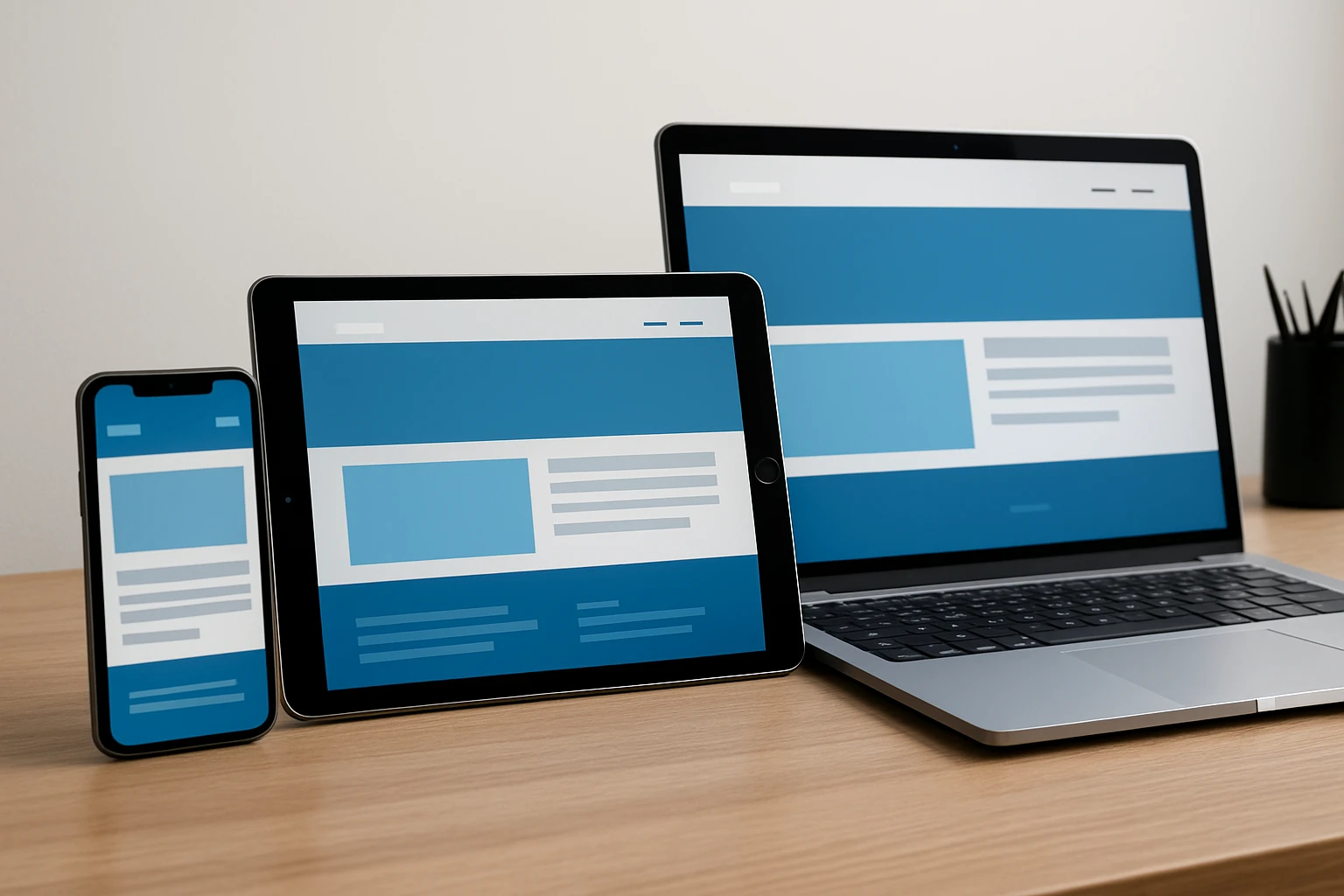
Why it made the list: BrowserStack offers Live cross-browser testing and App Live real-device testing, straight from the excerpt. That matters because mobile-first design is only “done” when it survives real screens, real browsers, and real quirks. Emulators are handy. Actual devices are where the truth shows up.
Best for: QA teams, developers, and marketers who do not want to guess how a page behaves on mobile. BrowserStack also frames mobile-first design as critical for consistent experience across screen sizes, and that lines up with what I see in launches every week.
Watch for: Real-device access is powerful, but you still need a test matrix. Pick representative devices and browsers first — for example, current iPhone Safari, a popular Android Chrome setup, and a smaller mid-range Android — or you will drown in options.
#8 Chrome DevTools — best for breakpoint debugging
Why it made the list: Chrome DevTools is still the fastest place to inspect CSS, test breakpoints, throttle network speed, and spot why the header suddenly wraps at 768 pixels. When a layout behaves strangely, this is usually where I start before I touch anything else.
Best for: Developers and technically comfortable marketers who need to debug spacing, typography, overflow, sticky elements, and responsive behavior on the fly. It is ideal for quick iteration during build.
Watch for: Device emulation is not the same as holding the site on a real phone. Chrome DevTools is superb for diagnosis, but it does not replace testing on actual hardware.
#9 Responsively App — best for side-by-side previews
Why it made the list: Responsively App is great when you want to see multiple viewport sizes at once. That side-by-side view speeds up visual QA because you catch inconsistent spacing, odd stacking, or hidden elements before you click through five separate previews.
Best for: Designers and front-end developers who want a quick way to compare breakpoints during active development. It is especially handy when you are refining a hero section, card grid, or pricing table across phone, tablet, and desktop at the same time.
Watch for: Side-by-side previews are a terrific screening tool, not the finish line. They help you spot problems early, but they do not replace real-device browser testing for touch behavior and performance.
| Tool | Stage | Best for | Main caution |
|---|---|---|---|
| Figma | Design | Collaborative UI work | Needs library discipline |
| UXPin | Design | System-based prototyping | Works best with mature systems |
| Adobe XD | Design | Quick wireframes | Weaker long-term ecosystem |
| Webflow | Build | No-code responsive publishing | Can get messy without process |
| Figma Sites | Build | Design-to-publish flow | Beta limitations |
| Framer | Build | Fast marketing pages | Easy to over-design mobile |
| BrowserStack | QA | Real-device testing | Needs a defined test matrix |
| Chrome DevTools | QA | Breakpoint debugging | Emulation is not reality |
| Responsively App | QA | Side-by-side viewport checks | Not a real-device substitute |
If you cannot verify the site on real devices, you are guessing at the experience.
How to Choose the Right Option
Choose for handoff quality
If your biggest issue is the space between “approved design” and “correctly built page,” start with Figma or UXPin. Mobile-first design starts with the smallest screen and makes larger-screen decisions easier afterward, but that only helps if developers can clearly see spacing, components, and states. Bad handoff can wreck a good mobile concept in a single sprint.
Choose for publishing speed
If you already know what you want to build and speed is the bottleneck, look harder at Webflow, Figma Sites, or Framer. This is where progressive enhancement shows up as a practical workflow, not a slogan. You define what must work on mobile first, then add breathing room and polish for bigger screens without bloating the base experience.
Choose for testing depth
If your launches look fine internally and then break for customers, stop chasing more design features and invest in QA depth. BrowserStack, Chrome DevTools, and Responsively App solve different parts of the same problem. One checks reality, one diagnoses bugs, one helps you scan breakpoints fast. Together, they cover a lot of ground.
| If your bottleneck is… | Start here | Add this next |
|---|---|---|
| Design alignment | Figma | BrowserStack |
| System consistency | UXPin | Chrome DevTools |
| Fast campaign launches | Framer or Webflow | Responsively App |
| Design-to-live efficiency | Figma Sites | BrowserStack |
| Legacy wireframing | Adobe XD | Any stronger QA tool |
Pick the tool that removes your biggest risk, not the one with the longest feature list.
What Happens After You Pick a Tool
What small teams should do next
If you are a lean team, do not overbuild the stack. Pick one design tool and one testing tool. For most small businesses, that means something like Figma plus BrowserStack or Figma plus Chrome DevTools. Keep the workflow simple: design the phone experience first, get the page live, test it on real hardware, and improve from there.
What enterprise teams should do next
Larger organizations need standards before they need more software. Set component rules, decide your breakpoints, define an approval path, and agree on device coverage. With mobile users accounting for 48.92 percent of web traffic, you do not want six teams inventing six different definitions of “mobile ready.”
What to do after picking a tool
Run one pilot. A pricing page is a good candidate. So is a lead-gen landing page. Start with the smallest screen, treat mobile-first as progressive enhancement, and make sure the page gets tested on real devices before launch. If you are rebuilding a broader web presence, this is also where a partner with SEO-minded web design experience can help connect visibility, usability, and conversion instead of treating them like separate projects.
Start small, scale cleanly, test on real screens — that is how mobile first responsive web design actually wins.
Small teams should simplify. Enterprise teams should standardize. Everyone should stop guessing on mobile.
When you look at your next launch, which part of the workflow is really slowing you down — design, publishing, or testing?
Build Stronger Mobile Experiences With Internetzone I
Internetzone I builds mobile-responsive, SEO-focused websites that strengthen visibility, trust, traffic, and conversions for companies ready to grow online.