
The phone rings at 9:14 a.m., right when your front desk is juggling a delivery, a customer question, and two missed calls. Then the voicemail lands: your business listing is at risk, you need to respond right away, and the callback number sounds official enough to make you stop and think.
That uneasy pause is exactly where online visibility group spam calls do their best work. I’ve heard versions of these messages sent to local shops, home service companies, dental offices, and multi-location brands. The script changes a little. The pressure doesn’t. Usually, the caller says something about your Google Business Profile, your listing status, or a visibility problem that needs “urgent action.”
Most of the time, you’re not dealing with a real emergency. You’re dealing with either a scam or an aggressive sales pitch dressed up like one. If you know how the pattern works, you can shut it down fast and keep your team from handing over money, login details, or plain old attention.
What are online visibility group spam calls?
What callers usually say
Watch This Helpful Video
To help you better understand online visibility group spam calls, we’ve included this informative video from Marlon Wireless. It provides valuable insights and visual demonstrations that complement the written content.
In plain English, these are unwanted calls aimed at business owners or staff that use trusted-sounding language about search visibility, Google listings, map rankings, or profile verification. The pitch often starts with a problem: your Google Business Profile is at risk, your listing may be suspended, or your information needs to be updated immediately.
That matches what recent scam coverage keeps warning about. Business owners are often told their Google Business Profile is in danger or that they need to act urgently. Some callers then pivot into a paid offer you never asked for. Others go a step further and try to collect private information, payment details, or account access.
And yes, even when nobody falls for it, these calls still cost you. They waste time, confuse staff, and interrupt the kind of work that actually pays the bills.
Why the name sounds credible
Names like “Online Visibility Group,” “Business Listing Support,” or “Local Search Department” sound believable because they borrow familiar marketing language. Nothing about those words looks wild on the surface. In fact, that’s the point.
If you run a business and spend money on SEO, PPC, or your Google Business Profile, a phrase like “online visibility” feels normal. It sounds like something a consultant, software company, or agency might genuinely say. That borrowed credibility lowers your guard for the first 15 seconds — and sometimes that’s all the caller needs.
If the caller leads with fear, urgency, or a payment request, treat it as a warning sign.
Spam call vs. legitimate outreach
Not every unsolicited call is criminal. Some are just ordinary sales calls. That distinction matters. A real agency or vendor might contact you without an invitation, but it should identify itself clearly, explain what it offers, and accept “no” without pretending to be Google or threatening your listing.
A bad call usually does the opposite. It starts with pressure, sounds vaguely official, and tries to rush you into a decision before you can verify anything.
| Signal | Likely Spam Or Scam | More Legitimate Outreach |
|---|---|---|
| Opening line | “Your listing is at risk” or “final notice” | Clear company name and reason for the call |
| Tone | Urgent, pushy, fearful | Calm, specific, easy to verify |
| Goal | Get payment, codes, or fast compliance | Discuss services or verify information |
| Your next move | Hang up and verify independently | Review the company on your own terms |
Why are these calls happening?
Why business owners are targeted
Because visibility is money. If your company relies on Google Maps, local search, reviews, or inbound calls, even a rumor of a listing problem can feel expensive. A restaurant in Austin, a roofer in Tampa, and a law office in Phoenix all depend on being found. Callers know that.
That’s why business owners are such a natural target. You care about traffic, calls, reputation, and rankings. When someone says one of those things is about to disappear, you don’t ignore it. You pause. You listen. Sometimes you panic a little.
Why urgency works
Urgency works because it short-circuits your normal process. Nobody makes their best decisions while being told they have 24 hours, one last chance, or a pending suspension. I’ve seen this hit busiest at the worst moments — Monday morning, lunch rush, end of month, right when the owner is off-site and a receptionist has to decide whether the call sounds serious.
The hook is almost never a real emergency. It’s fear of losing visibility. That fear is what pushes people to call back, press 1, or hand the phone to someone who has access.
The hook is usually fear of losing visibility, not a real emergency.
Why marketing-sounding names get used
“Online Visibility Group” works as a label for the same reason “Account Services” or “Merchant Support” works — it sounds boring enough to be real. Scammers and overly aggressive marketers both know that if a name feels like standard industry language, people get less suspicious.
And if it feels like there are more of these calls each year, you’re not alone. Business-focused scam reporting keeps describing the same trend: more calls, more confusion, and more pressure aimed at companies that rely on search visibility.
How do these calls work?
Impersonating a trusted brand
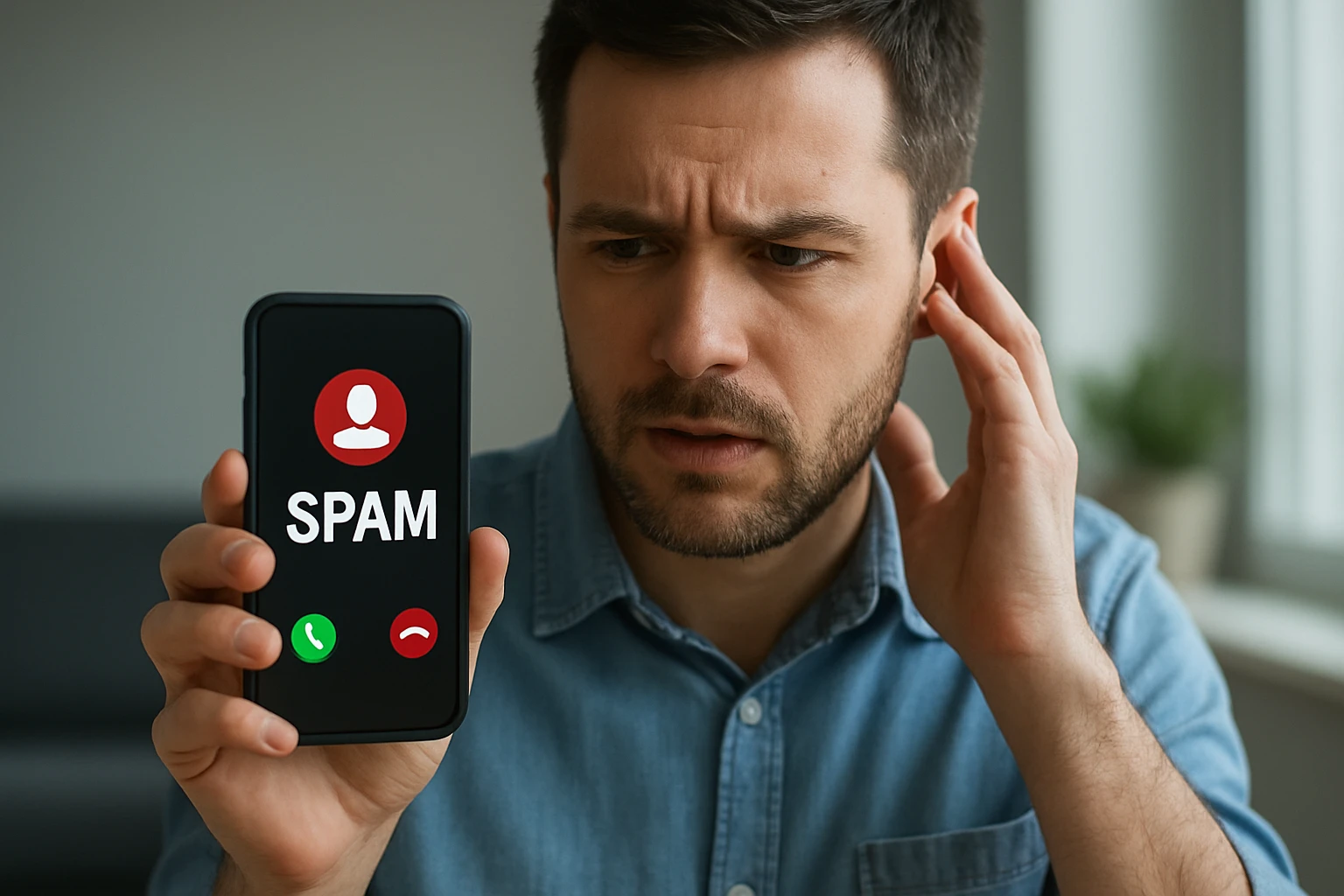
The first move is usually borrowed authority. The caller may say they’re from Google, connected to Google, calling about your Google Business Profile, or helping with listing verification. Sometimes the voicemail stays vague on purpose. That ambiguity lets your brain fill in the blanks.
Here’s the practical rule: Google will not call you to threaten removal of your listing or demand payment over the phone. Legitimate contact is generally limited, specific, and focused on verifying information — not selling you a package you never requested.
That’s why the words matter. “Verify your address” is very different from “pay now to avoid suspension.” One sounds administrative. The other sounds like pressure theater.
Creating pressure to respond now
Once the caller has your attention, the script tightens. You’ll hear words like “urgent,” “final notice,” “action required,” or “immediate response.” Sometimes there’s a callback number. Sometimes a robot asks you to press a key. The goal is speed.
- Claim there is a problem with your listing, profile, or visibility.
- Attach the claim to a trusted brand like Google.
- Add a deadline so you feel you have to act now.
- Ask for payment, account access, or a return call before you’ve verified anything.
That sequence is simple because it works. It’s the same reason fake bank texts mention “unusual activity.” Pressure shrinks your attention span.
Asking for sensitive information
The dangerous part comes at the end. Some callers want credit card details. Some want login credentials. Some want a verification code texted to your phone. Others just want enough information to make the next contact more convincing.
If a caller asks for sensitive information or pushes you to act fast, the safest response is to hang up. No debate. No apology. Just end the call and verify the issue yourself through official channels.
A real support call verifies information; a bad call tries to collect it.
That one line will save you a lot of trouble. Real support may confirm your business name or address. A scammer wants passwords, one-time codes, payment details, or rushed consent.
How can you tell if the call is legitimate?
Listen for scare tactics
Start with tone. If the caller sounds like a debt collector for your Google Business Profile, step back. Scare tactics are one of the clearest red flags. Warnings about instant removal, forced payment, or account shutdown should make you suspicious fast.
That said, don’t swing too far the other way and assume every cold call is criminal. Some are simply lousy sales outreach. The difference is behavior: a legitimate marketer should not impersonate Google, invent a crisis, or pressure you into giving up access on the spot.
Verify the number independently
Caller ID is not proof. Voicemail is not proof either. If the call mentions Google Business Profile, go to your account directly and review it there. If you need help, use official support paths you found yourself — not the phone number from the message.
If you want to report the call, you can use the FTC and review official Google Business Profile support resources. The order matters: verify first, engage second, if at all.
I tell teams this all the time: never let the caller choose the channel of trust. You choose it. You log in yourself. You look up the company yourself. You call a verified number yourself.
Lock down your business profile first
Your best defense is a clean, secure setup before the phone even rings. Review who has manager access to your business profile. Remove old staff. Make sure the right email accounts control the listing. Keep your recovery options current. If your team uses shared logins or old forwarding addresses from 2021, fix that now.
Security won’t stop every robocall, but it does reduce the damage a rushed employee can do. When people know access is controlled and procedures are documented, panic has less room to spread.
| What You Hear | What It Usually Means | Best Next Step |
|---|---|---|
| “Your listing will be removed today” | Scare tactic | Hang up and check your profile directly |
| “We need your verification code” | Attempt to gain account access | Do not share it; end the call |
| “We can fix this for a fee right now” | Unrequested sales or scam pressure | Refuse payment and verify independently |
| “We’re calling to confirm business info” | Potentially legitimate, but still unverified | Confirm through official channels you initiate |
Never confirm passwords, verification codes, or payment details during an incoming call.
Common questions about online visibility group spam calls
Is every unwanted call a scam?

No. Some unwanted calls are just unsolicited sales outreach. Annoying? Absolutely. Fraudulent? Not always.
The clearest dividing line is impersonation and pressure. If the caller pretends to be Google, suggests your listing is in danger without proof, or asks for sensitive information, you should treat it like a scam risk. If it’s a real company pitching SEO or ads, it should identify itself plainly and accept a polite no.
A credible business does not need to frighten you into a contract.
Should I call back the number?
Usually, no — not until you verify who it is on your own. A voicemail that sounds polished is still just a voicemail. I’ve heard some that sounded more professional than real support desks, which is exactly why they’re effective.
If the message mentions your Google listing, log in to your account directly. If it mentions a company name, search for that business independently, read its site, and find its public contact information yourself. Don’t rely on the number left in the message. That one habit will spare you a lot of grief.
A voicemail alone is not proof the caller is legitimate; verify before you engage.
What should I do after a suspicious voicemail?
Keep it simple and procedural. After a suspicious voicemail, you should:
- Save the number and message long enough to document it.
- Do not return the call until you verify the source independently.
- Block the number if it’s clearly suspicious.
- Report the incident to the FTC and through official Google support paths if the message impersonated Google.
- Warn your staff, especially whoever answers the main line.
- Review access to your Google Business Profile and related email accounts.
If a live caller asked for sensitive information or pressured you to move fast, hang up immediately. Then document the call and let your team know what happened. One five-minute internal warning can protect the next person who picks up the phone at 8:03 tomorrow morning.
What Should You Do Next After a Suspicious Business Listing Call?
Here’s the simple rule: online visibility group spam calls win when you rush, not when you verify.
If a caller says your Google Business Profile is in danger, slow the moment down, check the account yourself, refuse any payment or data request, and block or report what doesn’t add up.
The next time one of these online visibility group spam calls hits your phone, will your team know exactly what to do?
Strengthen Search Presence With Internetzone I
Internetzone I pairs National & Local SEO with web design, PPC, eCommerce, and reputation management to help companies grow visibility, trust, traffic, and conversions.