
If you are trying to design responsive web experiences that load fast, rank high, and convert better, you are in the right place. Whether you run a startup or lead a national brand, the right toolkit turns messy layouts and slow pages into flexible, mobile-first experiences that search engines and customers love. With more than 59 percent of global traffic now on mobile and studies showing even a one-second delay can cut conversions by up to 20 percent, getting responsive right is non-negotiable. The good news is, the tools in this 2026 list make it easier than ever to craft layouts that adapt, images that scale, and navigation that just makes sense.
At Internetzone I, Inc., we build Web Design (mobile responsive, SEO-focused) sites and audit stacks for clients aiming to grow fast. We test these tools in real campaigns where every millisecond counts. That means we care about speed, search, and stability as much as visuals. Below you will find how we picked each tool, where it shines, and a plain-English tip to get value on day one. If you want deeper help connecting design to revenue, Internetzone I can integrate these tools with National and Local SEO (Search Engine Optimization), eCommerce Solutions, Reputation Management, Adwords-Certified PPC (Pay-Per-Click) Services, and Managed Web Services so your responsive build supports your bigger growth plan.
Selection Criteria: What Makes a Design Responsive Web Tool Great in 2026
Responsive is more than stacking columns. In 2026, the best tools help you create fluid interfaces that pass Core Web Vitals (CWV) like Largest Contentful Paint (LCP) under 2.5 seconds, Cumulative Layout Shift (CLS) under 0.1, and Interaction to Next Paint (INP) under 200 milliseconds. They also make it simple to ship accessible interfaces, surface on-page SEO (Search Engine Optimization) settings, and scale content without breaking layouts. We scored each option on measurable impact, not just hype. Can marketing update content without a developer? Do developers get clean Cascading Style Sheets (CSS) and JavaScript (JS) output? Will the site play nicely with your Content Delivery Network (CDN) and analytics setup? And finally, can your team learn it quickly enough to ship this quarter instead of next year?
- Performance: Native image optimization, lazy loading, container queries, and code-splitting for faster LCP and better CWV (Core Web Vitals).
- SEO and accessibility: Metadata controls, semantic HyperText Markup Language (HTML), aria support, keyboard navigation, and sitemap generation.
- Design control: Modern layout primitives (flex, grid, container queries), variable typography, and design tokens for consistent branding.
- Testing: Built-in device previews, cross-browser testing hooks, and throttling to simulate real-world mobile networks.
- Scalability: Integrations with CMS (Content Management System), eCommerce, forms, and automation, plus strong documentation.
- Collaboration: Versioning, comments, roles, handoff to engineering, and shareable design specs.
- Value: Transparent pricing and a realistic learning curve for non-technical teams.
#1 Figma — Responsive Design System Builder
Figma is where responsive ideas take shape before a single line of code. Auto Layout, constraints, and component properties make it simple to preview how your header, cards, and grids adapt across breakpoints. Dev Mode (Developer Mode) streamlines handoff with tokens, variables, and ready-to-inspect CSS (Cascading Style Sheets). If your team wants repeatable patterns and fewer one-off styles, Figma’s design system tools keep everything consistent while still flexible. It is also perfect for stakeholder reviews, so you catch odd states and long-text issues before they hit production.
Watch This Helpful Video
To help you better understand design responsive web, we’ve included this informative video from freeCodeCamp.org. It provides valuable insights and visual demonstrations that complement the written content.
- Best for: Product and marketing teams who need pixel-perfect, scalable systems with smooth developer handoff.
- Notable features: Auto Layout, constraints, layout grids, variables, component properties, Dev Mode.
- Pricing: Free starter, paid plans for teams.
- Pro tip: Use Auto Layout plus min/max width constraints to simulate real container queries before build.
#2 Webflow — No-Code to Production, Responsively
Webflow turns designs into production-grade HTML (HyperText Markup Language), CSS (Cascading Style Sheets), and JavaScript (JS) with visual control over breakpoints, grid, and typography. You edit SEO (Search Engine Optimization) fields in-line, publish to fast hosting, and connect collections for blog or product catalogs. For many marketing-led teams, Webflow’s blend of visual power and clean export is the sweet spot. Paired with Internetzone I’s on-page optimization and content strategy, clients regularly launch in weeks, not months, and see notable gains in mobile rankings.
- Best for: Marketing teams who want speed to market and hands-on control without writing code.
- Notable features: Visual breakpoints, CSS Grid, flexible CMS (Content Management System), built-in animations, SEO controls.
- Pricing: Tiered site and workspace plans.
- Pro tip: Define a 4 or 8-point spacing scale as global tokens to keep responsive spacing consistent.
#3 Framer — Design-to-Live Site With Performance
Framer blends design craft with a publisher that ships surprisingly fast pages. Responsive sections, component variants, and smart layout primitives snap into place, while the published output benefits from image optimization and modern front-end practices. If you crave motion-rich landing pages that still score well on Google’s performance audits, Framer is an elegant option. Internetzone I often recommends Framer for time-sensitive campaigns where speed, animations, and editing ease must live together.
- Best for: Landing pages and marketing sites needing premium visuals plus strong performance.
- Notable features: Responsive sections, smart components, integrated publishing, site-level SEO (Search Engine Optimization).
- Pricing: Free tier plus paid site plans.
- Pro tip: Use responsive variants for hero media and cap max container widths to prevent CLS (Cumulative Layout Shift).
#4 Tailwind CSS — Utility-First Responsive Mastery

Tailwind CSS gives developers atomic control to build responsive layouts without fighting overrides. Mobile-first classes, container queries, and design tokens in tailwind.config.js keep typography, spacing, and color consistent at every breakpoint. The Just-In-Time compiler purges unused styles for tiny bundles, which helps LCP (Largest Contentful Paint) and INP (Interaction to Next Paint). If you value design systems and performance budgets, Tailwind is a reliable foundation for component libraries and apps alike.
- Best for: Engineering teams building design systems that must scale and stay fast.
- Notable features: Responsive modifiers, container queries, design tokens, tiny builds, first-class dark mode.
- Pricing: Open source.
- Pro tip: Define container sizes and typography scales as tokens to enforce consistent, readable layouts.
#5 Bootstrap — Battle-Tested Grid and Components
Bootstrap remains a practical choice when you need proven patterns quickly. Its responsive grid, utility classes, and prebuilt components reduce time to value. In 2026, Bootstrap’s Sass (Syntactically Awesome Style Sheets) customization and updated utilities make it easier to ship a brand-aligned site without reinventing foundational UI (User Interface) elements. Paired with smart image handling and deferred scripts, you can earn respectable Core Web Vitals (CWV) without heavy refactoring.
- Best for: Teams who want a safe, familiar starting point with wide documentation.
- Notable features: Responsive grid, utilities, components, Sass theming, accessible patterns.
- Pricing: Open source.
- Pro tip: Customize the Sass map for breakpoints to match your analytics-derived device mix.
#6 Next.js — React Framework Built for Speed
Next.js gives you hybrid rendering with Server-Side Rendering (SSR), Static Site Generation (SSG), and edge streaming to tune performance page by page. Its Image component, script loading strategies, and route-based code splitting help crush LCP (Largest Contentful Paint). For complex sites that mix marketing pages, gated content, and eCommerce, Next.js offers enterprise-grade flexibility. Internetzone I often pairs Next.js with a headless CMS (Content Management System) so marketers can update content while developers keep performance tight.
- Best for: Content-heavy or transactional sites needing performance and flexibility at scale.
- Notable features: App Router, Image optimization, server components, edge functions, internationalization.
- Pricing: Open source framework; hosting varies.
- Pro tip: Use the next/script strategy and preload critical fonts to improve INP (Interaction to Next Paint).
#7 WordPress Block Editor — Flexible Content, Responsive Blocks
WordPress’s modern block editor brings responsive control to the world’s most popular CMS (Content Management System). Block themes, patterns, and layout controls make it simpler to ship a brand-consistent, mobile-first site without heavy page builders. With disciplined theme choices and performance-minded plugins, you can deliver fast, editable pages that rank well. Internetzone I’s clients often choose WordPress for its balance of content freedom, SEO (Search Engine Optimization) tooling, and long-term maintainability.
- Best for: Organizations needing rich publishing workflows with strong SEO (Search Engine Optimization) support.
- Notable features: Block patterns, layout controls, native image handling, custom fields, multilingual options.
- Pricing: Open source; hosting and premium plugins vary.
- Pro tip: Adopt a lightweight block theme and limit plugin count to protect CWV (Core Web Vitals).
#8 BrowserStack Responsive — Real Devices, Real Confidence
Emulators are helpful, but nothing beats the truth you get from real devices. BrowserStack’s responsive testing puts your pages on a massive device and browser grid with network throttling. You will quickly spot issues like tap target spacing, viewport zoom quirks, and cross-browser layout gaps. For teams shipping at speed, this saves hours of guesswork and prevents last-minute launch delays.
- Best for: Quality assurance teams needing reliable cross-device validation before launch.
- Notable features: Live device testing, geolocation, network throttling, screen recording, automation support.
- Pricing: Subscription plans by seat and capability.
- Pro tip: Test with 3G/4G throttling to surface layout shifts and slow-loading assets early.
#9 Chrome DevTools — Your Everyday Responsive Sandbox
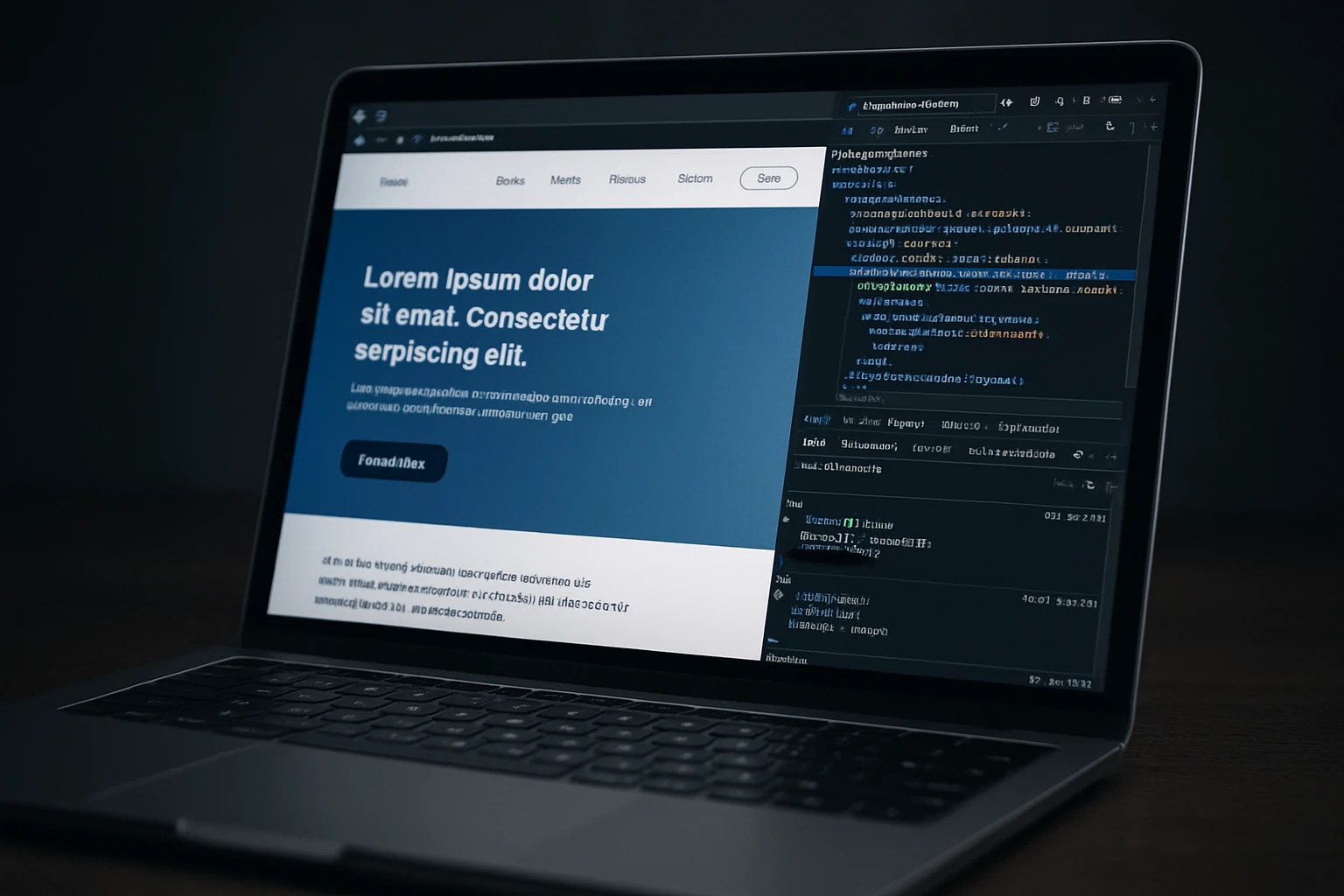
Chrome DevTools is the Swiss Army knife for responsive debugging. Device Mode simulates popular breakpoints, while the Coverage panel flags unused CSS (Cascading Style Sheets) and JavaScript (JS). Performance and Lighthouse tabs reveal render-blocking resources and accessibility gaps. Whether you are tightening CLS (Cumulative Layout Shift) or tracking down a janky interaction, DevTools provides the fastest feedback loop during build and optimization sprints.
- Best for: Developers who need instant insight into layout, performance, and accessibility issues.
- Notable features: Device emulation, network throttling, performance traces, Lighthouse audits, CSS Grid and Flex overlays.
- Pricing: Free.
- Pro tip: Use the Rendering panel to visualize paint flashing and spot costly repaints on mobile.
#10 Google Lighthouse + PageSpeed Insights — Metrics That Matter
Lighthouse audits code locally, while PageSpeed Insights combines lab results with real-world field data from the Chrome User Experience Report. Together, they are your compass for CWV (Core Web Vitals) like LCP (Largest Contentful Paint), CLS (Cumulative Layout Shift), and INP (Interaction to Next Paint). You will know exactly which images, scripts, or fonts slow you down and get actionable fixes. Internetzone I bakes these audits into Managed Web Services so performance stays healthy across releases, not just at launch.
- Best for: Anyone committed to measurable speed and usability improvements.
- Notable features: Field and lab data, opportunities and diagnostics, shareable reports, API (Application Programming Interface) access.
- Pricing: Free.
- Pro tip: Track scores over time and tie fixes to revenue with analytics annotations.
Quick Comparison: Which Tool Fits Your Team?
| Tool | Category | Standout Strength | Starting Price | Learning Curve |
|---|---|---|---|---|
| Figma | Design system | Auto Layout and constraints for scalable components | Free | Low to Medium |
| Webflow | Visual builder | No-code to production with clean output | Paid plans | Medium |
| Framer | Design-to-site | Motion-rich pages with strong performance | Free tier | Low |
| Tailwind CSS | Utility framework | Design tokens and tiny bundles | Free | Medium |
| Bootstrap | Component library | Battle-tested grid and a11y-ready patterns | Free | Low |
| Next.js | Web framework | Hybrid rendering for speed and scale | Free | Medium to High |
| WordPress Block Editor | CMS | Editor-friendly responsive content | Free | Low |
| BrowserStack Responsive | Testing | Real device coverage | Subscription | Low |
| Chrome DevTools | Debugging | Instant insight into layout and performance | Free | Low |
| Lighthouse + PSI | Auditing | Field and lab performance data | Free | Low |
How to Choose the Right Option
Start with your business goal, not just the tool. If speed to market is critical, Webflow or Framer deliver value fast with guardrails that protect SEO (Search Engine Optimization) basics. If you need long-term scalability, a Next.js plus Tailwind CSS stack backed by a headless CMS (Content Management System) gives engineers precision while marketing gets editing freedom. For content-heavy organizations, the WordPress Block Editor keeps authors in flow and pairs well with modern performance plugins, image CDNs (Content Delivery Networks), and a lightweight theme.
- Define must-win metrics: target LCP (Largest Contentful Paint) under 2.5 seconds, CLS (Cumulative Layout Shift) under 0.1, and INP (Interaction to Next Paint) under 200 milliseconds on mobile.
- Map ownership: decide who edits copy, approves design, and deploys code, then select tools that match those workflows.
- Audit content structure: if you have hundreds of pages or products, prioritize a CMS (Content Management System) and a framework built for scale.
- Test on real devices: confirm tap targets, forms, and media behave on small screens and low bandwidth.
- Plan optimization sprints: budget time for Lighthouse audits, image compression, and script trimming after launch.
Real-world snapshot from Internetzone I: a regional retailer migrated to a Next.js front end, Tailwind CSS design tokens, and a headless CMS (Content Management System). We tuned images with next/image, deferred non-critical JS (JavaScript), and simplified the header to reduce CLS (Cumulative Layout Shift). Within six weeks, mobile organic sessions rose 18 percent, bounce rate fell 16 percent, and revenue from mobile increased 12 percent. The same playbook works across industries because it is grounded in performance and usability, not trends.
What Happens Next for Design Responsive Web
The promise is simple: pick smart tools, follow performance-first practices, and your responsive site will win more traffic and conversions. That is what this guide was built to help you do.
In the next 12 months, expect container queries, AI-assisted optimization, and variable typography to make responsive design even more adaptable. Teams that pair these advances with ongoing audits will pull ahead.
So, which path will you take to design responsive web experiences that feel instant, accessible, and unmistakably on-brand?
Elevate Your Design Responsive Web With Internetzone I
Launch mobile responsive, SEO-focused sites that grow rankings and conversions for companies of all sizes with Internetzone I.