How UX Design and UI Design Drive SEO & Conversions: A 9-Step Playbook for Marketers
If you have ever wondered why some pages climb search results while others stall, the answer often hides in plain sight: ux design and ui design. When User Experience (UX) and User Interface (UI) align, Search Engine Optimization (SEO) performance improves, and conversions follow. That is not magic, it is mechanics. And when you add mobile responsive, SEO-focused web design into the mix, you get a compounding effect you can measure.
A quick story. A retailer we worked with at Internetzone I had strong content and paid traffic, but sessions bounced fast and revenue lagged. We simplified their navigation, tuned performance, and rewritten microcopy so actions felt obvious and safe. Within eight weeks, organic traffic rose, dwell time improved, and the checkout completion rate jumped noticeably, confirming how design choices influence both rankings and revenue.
Why ux design and ui design Drive SEO (Search Engine Optimization) Signals
Search engines watch how people interact with your site. Clear information architecture, readable typography, and intuitive controls encourage deeper browsing, which becomes positive behavioral signals. When users click, scroll, and stay, that engagement correlates with stronger placement on results pages, especially as algorithms emphasize satisfaction and relevance.
Performance is equally pivotal. Studies have shown that a one-second delay can cut conversion rates by several percentage points, and many mobile users abandon pages that take more than three seconds to load. Mobile-responsive layouts reduce pinching and zooming, accessible contrast improves legibility, and trustworthy UI (User Interface) patterns reduce friction in forms. Each small improvement compounds across sessions and devices, creating a site that both people and crawlers love.
- Faster pages improve crawl efficiency and user satisfaction.
- Cleaner navigation boosts discoverability of deep content hubs.
- Accessible design broadens audience reach and reduces drop-offs.
- Consistent visual hierarchy guides attention to calls to action.
| Area | User Experience Behavior | SEO Signal | What to Measure |
|---|---|---|---|
| Navigation clarity | Users find pages in 1 to 2 clicks | Lower pogo-sticking and higher dwell time | Time on page, pages per session |
| Page speed | Faster perceived load and smooth interactions | Core Web Vitals improvements | LCP (Largest Contentful Paint), INP (Interaction to Next Paint), CLS (Cumulative Layout Shift) |
| Mobile responsiveness | Fewer taps to complete tasks on small screens | Higher mobile ranking potential | Mobile conversion rate, tap targets’ size |
| Accessibility | More users can successfully read and act | Reduced bounces across segments | Contrast ratios, keyboard navigation success |
The UX-to-SEO Metrics Link: What Google Measures
To understand how design and development affect visibility, it helps to align with measurable standards. Core Web Vitals and related metrics quantify whether a page is fast, stable, and responsive. When you track these alongside engagement and conversion metrics, you get a holistic view of both experience quality and business outcomes.
Watch This Helpful Video
To help you better understand ux design and ui design, we’ve included this informative video from Zero To Mastery. It provides valuable insights and visual demonstrations that complement the written content.
Think of performance as the foundation, content as the structure, and ux design and ui design as the interior that guides people through the space. When everything works together, users stay longer, read more, and take action with confidence. That confidence is the quiet engine behind lower bounce rates and stronger rankings.
| Metric | Meaning | Good Threshold | Helpful Tools |
|---|---|---|---|
| LCP (Largest Contentful Paint) | Time to render the largest visible element | ≤ 2.5 seconds | PageSpeed Insights, Lighthouse |
| INP (Interaction to Next Paint) | Responsiveness to user input | ≤ 200 milliseconds | Chrome User Experience Report |
| CLS (Cumulative Layout Shift) | Visual stability during load | ≤ 0.1 | Web Vitals extension |
| TTFB (Time To First Byte) | Server response start time | ≤ 0.8 seconds | WebPageTest, cURL timing |
The 9-Step Playbook for Marketers
-
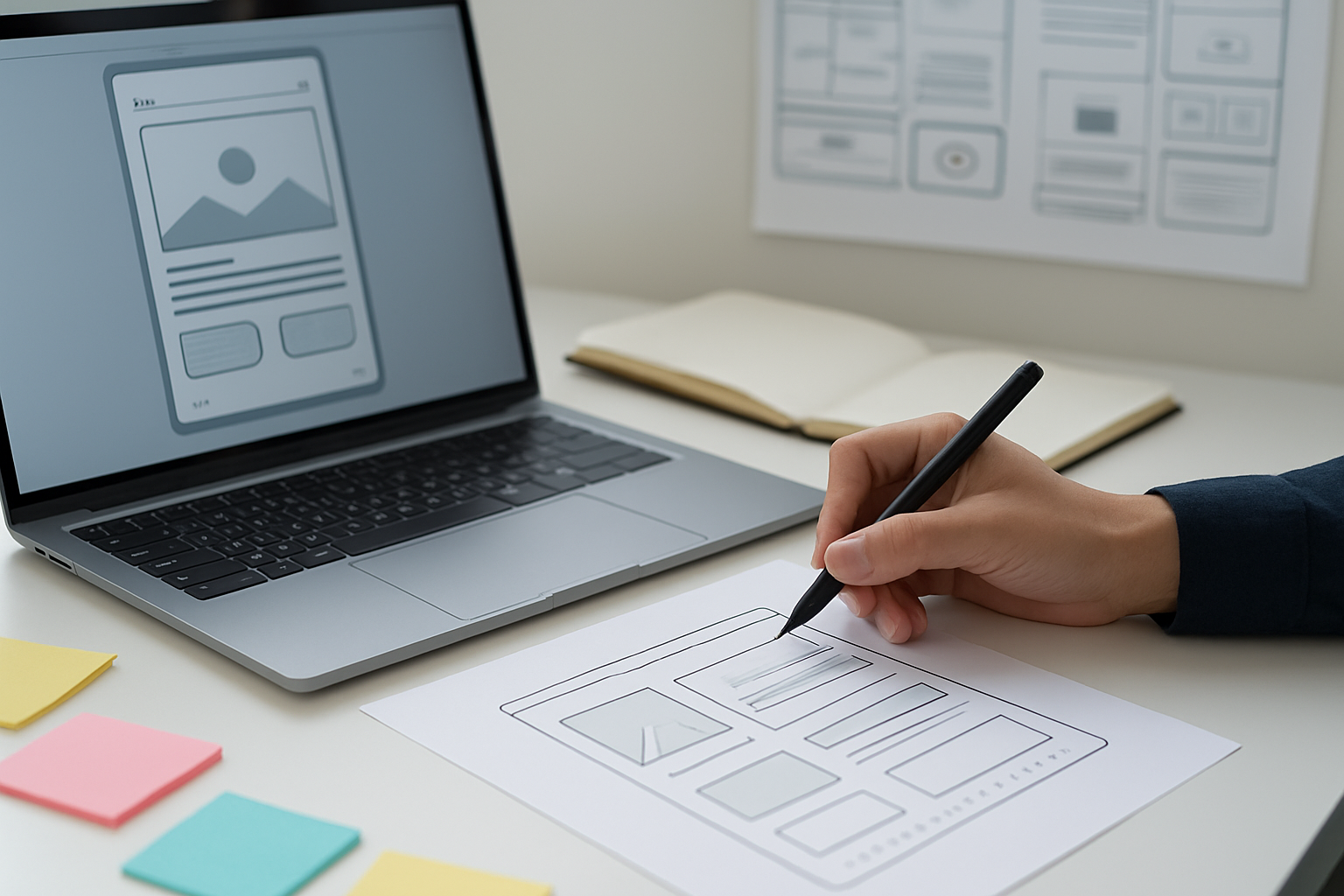
Start With Voice-of-Customer and Task Flows
Interview customers, read support tickets, and mine on-site search to map core tasks. Build simple task flows that show how people find products, compare options, and check out. This gives UX (User Experience) and UI (User Interface) a shared blueprint with SEO (Search Engine Optimization) keywords anchored to real user goals.
-
Design Information Architecture That Mirrors Intent
Cluster pages by search intent and business value, then reflect that structure in your navigation and URL (Uniform Resource Locator) hierarchy. Use descriptive labels, not cute names, so people know exactly where to click. This helps crawlers understand topical relationships and helps users find answers faster.
-
Make Mobile Responsive Your Default
Design mobile-first layouts with fluid grids, adequate spacing, and tap-friendly targets. Prioritize crucial content above the fold and defer nonessential scripts. Mobile responsiveness supports rankings, reduces friction, and guides thumbs to the next step with confidence.
-
Speed Up the Path to Meaningful Paint
Compress images, inline critical CSS (Cascading Style Sheets) prudently, and lazy-load below-the-fold media. Use a CDN (Content Delivery Network) and monitor LCP (Largest Contentful Paint) and INP (Interaction to Next Paint) throughout development. Faster feedback loops keep visitors engaged and lead to more conversions.
-
Use Accessible, Scannable Content Patterns
Write headings that summarize outcomes, use bullets for steps, and keep paragraphs short. Ensure color contrast, provide descriptive alt text in your CMS (Content Management System), and support keyboard navigation. Accessibility increases reach and aligns with E-E-A-T (Experience, Expertise, Authoritativeness, Trustworthiness) expectations.
-
Clarify Calls to Action and Reduce Form Friction
Pair each page with one primary CTA (Call To Action) using clear labels like “Get Pricing” or “Book Demo.” Trim form fields to the essentials, use smart defaults, and show progress indicators. Friendly microcopy calms hesitation and improves completion rates without heavy discounts.
-
Map Content to Queries and Moments
Build cluster pages for awareness, consideration, and decision stages tied to keyword themes. Use internal links to guide discovery and surface relevant proof like testimonials and FAQs (Frequently Asked Questions). This supports both user journeys and crawler comprehension.
-
Instrument Everything and Set KPIs
Track a blended scorecard: Core Web Vitals, organic sessions, engagement, and conversion rate. Configure GA4 (Google Analytics 4) events, connect CRM (Customer Relationship Management) goals, and define a primary KPI (Key Performance Indicator) per template. Data clarity shortens the time from insight to iteration.
-
Test, Learn, and Keep Shipping
Run A/B (Split Testing) on headlines, layouts, and CTAs (Calls To Action). Prioritize experiments with high impact, low effort, and instrument outcomes rigorously. Continuous iteration is where ux design and ui design turn into compounding SEO (Search Engine Optimization) and revenue gains.
Case Study Snapshot: From Confusing to Converting with Internetzone I
A multi-location service brand came to Internetzone I with solid content but confusing menus and slow mobile performance. Our team restructured their information architecture, simplified the navigation labels, and implemented mobile responsive templates. We also optimized media, deferred noncritical scripts, and corrected layout shifts to improve CLS (Cumulative Layout Shift).
Results came fast. Organic impressions grew in new service-area queries, and calls from mobile rose after we added persistent, accessible action bars. With National and Local SEO (Search Engine Optimization) driving targeted traffic and a streamlined checkout flow, the brand reported a measurable lift in leads and a meaningful drop in cost per acquisition across PPC (Pay Per Click) campaigns.
- Navigation clicks to key pages: down from 4 to 2
- LCP (Largest Contentful Paint): improved from 3.8s to 2.0s
- Mobile conversion rate: up 22 percent quarter over quarter
- Call volume from local pages: up 31 percent with NAP (Name, Address, Phone number) clean-up
Tools, Teaming, and Hand-offs: Make Strategy Ship on Time
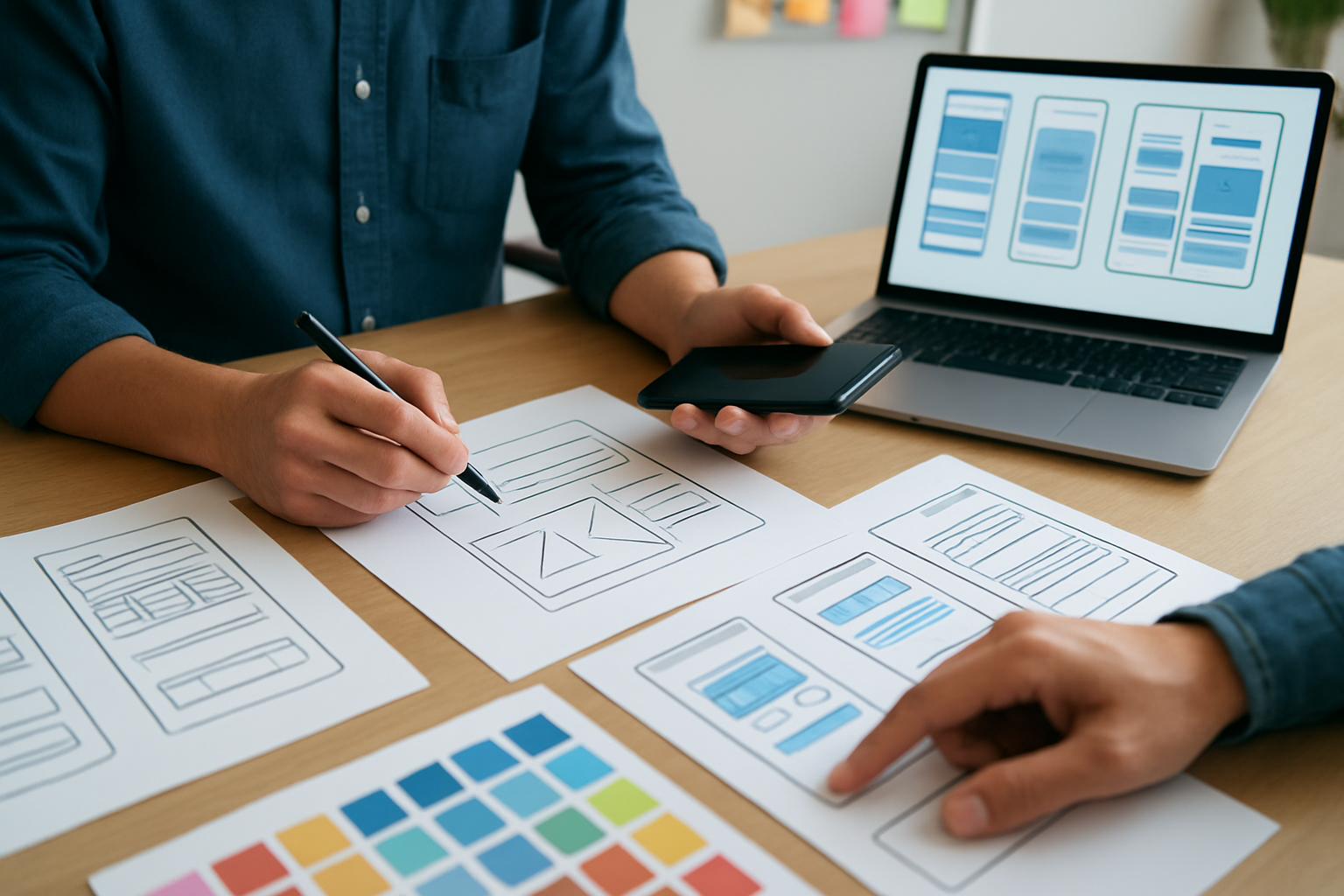
Great experiences require cross-functional rhythm. Designers, developers, and marketers need a shared glossary, a living component library, and a repeatable release cadence. When hand-offs include annotated flows, content guidelines, and performance budgets, you prevent regressions and ship faster.
Internetzone I aligns ux design and ui design with broader growth programs. Our Web Design (mobile responsive, SEO-focused) connects to managed hosting and monitoring, while our Adwords-Certified PPC (Pay Per Click) Services, Reputation Management, and eCommerce Solutions integrate with SEO (Search Engine Optimization) content strategy. That means fewer vendors to manage and more measurable outcomes.
| Service | What It Includes | Primary Benefit | KPI (Key Performance Indicator) to Watch |
|---|---|---|---|
| Web Design (mobile responsive, SEO-focused) | Information architecture, component library, performance budgets | Higher engagement and conversions | INP (Interaction to Next Paint), conversion rate |
| National & Local SEO (Search Engine Optimization) | Technical audits, content clusters, local listings | Qualified organic traffic | Ranking growth, organic sessions |
| eCommerce Solutions | Product templates, checkout UX (User Experience), integrations | Higher average order value | Cart completion, revenue per session |
| Reputation Management | Review acquisition, response playbooks | Trust and conversion lift | Star rating, review velocity |
| Adwords-Certified PPC (Pay Per Click) Services | Campaign build, creative tests, query mining | Scalable acquisition | Cost per lead, ROAS (Return On Ad Spend) |
| Managed Web Services | Updates, uptime, security hardening | Reliability and speed | TTFB (Time To First Byte), error rate |
Frequently Asked Questions: Your Biggest UX (User Experience), UI (User Interface), and SEO (Search Engine Optimization) Questions Answered
Q: Will better design really improve rankings?
A: Indirectly, yes. Better design improves engagement, reduces bounce, and fortifies Core Web Vitals. Those signals support SEO (Search Engine Optimization) while also increasing conversions.
Q: What matters most on mobile?
A: Speed, clarity, and thumb-first flows. Prioritize LCP (Largest Contentful Paint), stable layouts, clear CTAs (Calls To Action), and forms with minimal fields and obvious validation.
Q: How do I pick what to test first?
A: Choose high-traffic pages with weak conversion rates. Test headlines, hero layouts, and primary CTA (Call To Action) copy. Set a single KPI (Key Performance Indicator) so you know whether the change worked.
Q: Where does accessibility fit?
A: Accessibility is foundational. It expands your audience, reduces legal risk under ADA (Americans with Disabilities Act), and usually improves readability and conversions across the board.
Q: How does Internetzone I help?
A: Internetzone I, Inc. blends Web Design (mobile responsive, SEO-focused) with National & Local SEO (Search Engine Optimization), eCommerce, Reputation Management, Adwords-Certified PPC (Pay Per Click), and Managed Web Services. You get an integrated, measurable program that grows traffic and revenue.
SEO-Ready UX (User Experience) Checkpoints Marketers Can Use Today
- Run a five-second test on your homepage value proposition and CTA (Call To Action).
- Measure Core Web Vitals, then set a performance budget for LCP (Largest Contentful Paint) and INP (Interaction to Next Paint).
- Refactor navigation labels to match real search intent and internal terminology.
- Add trust elements: reviews, badges, guarantees, and transparent pricing microcopy.
- Strengthen internal links between top-funnel guides and bottom-funnel product or service pages.
- Maintain consistent NAP (Name, Address, Phone number) across your local listings to reinforce authority.
Great experiences power great rankings. Imagine the next 12 months with a site that loads instantly, answers clearly, and guides visitors naturally to action. What would happen to your pipeline if every touchpoint pulled its weight and your team kept iterating on ux design and ui design week after week?
Additional Resources
Explore these authoritative resources to dive deeper into ux design and ui design.
Accelerate UX (User Experience) and UI (User Interface) Wins with Internetzone I
Internetzone I blends mobile responsive, SEO-focused web design with UX (User Experience) and UI (User Interface) excellence to elevate visibility, reputation, and performance for companies of all sizes.