
If you have ever stared at analytics wondering why traffic dipped after a redesign, you are not alone. The missing link is often the health of your site’s foundation. That is where technical seo auditing steps in. Think of it like a home inspection before you renovate. You are checking crawlability, indexation, speed, structured data, and dozens of small details that add up to big ranking wins. Done right, you will remove friction for search engines and users, turn hidden issues into quick wins, and set the stage for sustained growth across National and Local search.
I still remember auditing a multi-location services site that looked great on the surface. Within an hour, we found blocked pages, broken redirects, and a sluggish checkout. Three fixes later, conversions climbed and phone calls followed. You can get results like that too. In this step-by-step guide, you will learn how to run a practical, repeatable process that surfaces what matters and prioritizes the work that moves the needle. Along the way, I will show you how Internetzone I brings clarity and momentum to even the messiest technical challenges.
Prerequisites and Tools You Will Want Before You Start
Before diving in, set yourself up with access and a simple plan. A strong audit is part detective work, part triage. You will want data, a crawler, and a way to turn findings into action. If you work with a team, align on responsibilities and timelines at the outset so fixes do not stall.
- Access essentials: hosting panel, content management system login, analytics, and search console.
- Benchmarks: current organic sessions, conversions, and average ranking positions.
- Scope: which sections, languages, and subdomains are in play.
- Timebox: aim for a focused two-week window to assess, then a 90-day fix plan.
| Tool | Primary Use | Why It Matters | Example Checks |
|---|---|---|---|
| Google Search Console (Google Search Console) | Index coverage and performance | Shows how Google sees your site | Indexing errors, sitemaps, Core Web Vitals (core web vitals) reports |
| Google Analytics 4 (Google Analytics 4) | Baseline and KPIs (key performance indicators) | Quantifies business impact | Organic sessions, conversion rate, landing pages |
| A crawler such as Screaming Frog (Screaming Frog) | Sitewide crawl diagnostics | Finds broken links and duplication | Response codes, titles, canonicals, directives |
| PageSpeed Insights (PageSpeed Insights) and Lighthouse (Lighthouse) | Speed and Core Web Vitals (core web vitals) | Directly tied to user experience | LCP (largest contentful paint), INP (interaction to next paint), CLS (cumulative layout shift) |
| Log file access or analyzer (log file analyzer) | Bot behavior insight | Reveals crawl waste | Which URLs (uniform resource locators) are crawled, how often |
Step 1: Kick Off Your technical seo auditing With Clear Goals
Start with outcomes, not just checklists. Define what success looks like in numbers that the business cares about. For example, set targets like a 20 percent improvement in organic conversions or a 30 percent lift in visibility for priority categories. Then baseline those numbers with Google Analytics 4 (Google Analytics 4) and Google Search Console (Google Search Console). When you tie every finding to goals, you focus on fixes that reduce friction and generate revenue.
Watch This Helpful Video
To help you better understand technical seo auditing, we’ve included this informative video from Google Search Central. It provides valuable insights and visual demonstrations that complement the written content.
Next, map stakeholders to actions. Who owns the content management system changes, the server configuration, and the template updates? Document dependencies so that critical fixes do not wait on a mystery approval. Finally, agree on a scoring model that uses impact and effort. High impact and low effort items jump to the front of the line. This is exactly how Internetzone I structures engagements, turning audits into 90-day roadmaps that teams can actually deliver.
Step 2: Crawl Your Site and Map the Architecture
Now it is time to see what search engines see. Launch a full crawl with a reputable crawler and pair it with a manual click-through of your top templates. Note every response code, redirect chain, title, and directive. Pay close attention to canonical tags, pagination, and faceted navigation that can explode the number of indexable pages. Use your crawl to visualize the site’s structure and find orphan pages that have no internal links pointing to them.
From there, audit your XML (extensible markup language) sitemap and robots.txt for accuracy and intent. Your sitemap should list only canonical, index-worthy URLs (uniform resource locators). The robots.txt should not block sections that drive revenue or engagement. As a quick win, find and fix redirect loops, long redirect chains, and 404s that bleed link equity. Internetzone I often pairs this step with internal linking improvements so that search engines and users discover key pages more easily.
Step 3: Control Indexing With Robots and Canonicals
Great rankings start with a clean index. Use Google Search Console (Google Search Console) Coverage and Pages reports to reconcile what you want indexed with what is actually indexed. Look for patterns: parameterized pages getting through, thin variants of product pages, or test environments that somehow became visible. When necessary, deploy noindex tags, consolidate with 301 redirects, and ensure every indexable page has a self-referencing canonical tag that matches the URL (uniform resource locator) in your XML (extensible markup language) sitemap.
Next, review pagination and canonicalization rules on category and blog archives. If you use query parameters for sorting and filtering, specify preferred versions and implement disallow patterns in robots.txt with care. International sites require extra diligence with hreflang annotations to prevent duplicate content across regions. Internetzone I’s Managed Web Services (Managed Web Services) team frequently bakes these rules into templates so your content scales without creating index bloat.
Step 4: Speed Wins With Core Web Vitals and Performance
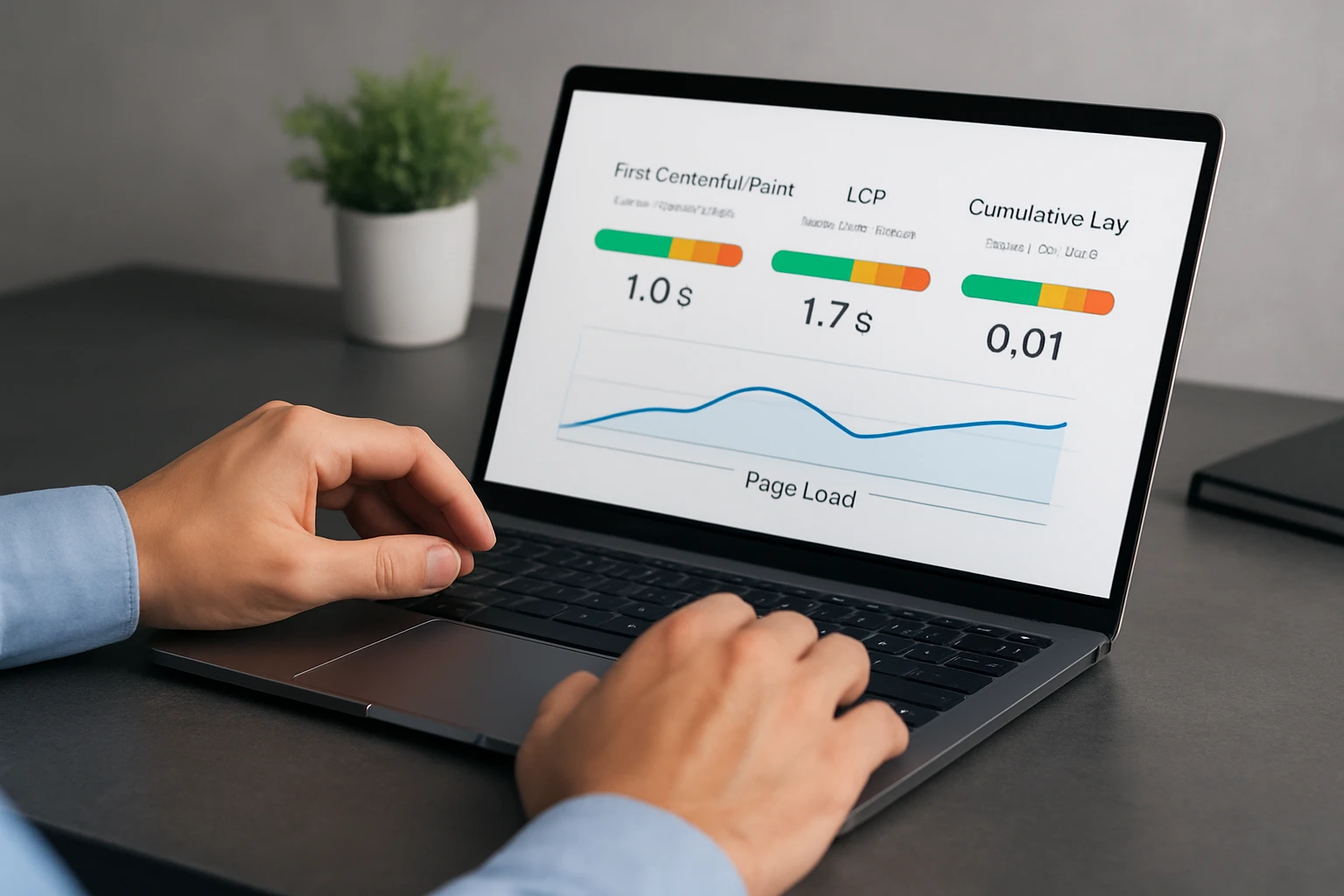
Faster sites convert better, and industry studies suggest even modest improvements pay off. Begin with LCP (largest contentful paint), INP (interaction to next paint), and CLS (cumulative layout shift) diagnostics in PageSpeed Insights (PageSpeed Insights) and field data. Focus on template-level issues rather than chasing one-off improvements. Reduce render-blocking JavaScript (JavaScript), compress and properly size images, and adopt HTTP/2 (hypertext transfer protocol version 2) or HTTP/3 (hypertext transfer protocol version 3) where available. A content delivery network, also known as a CDN (content delivery network), and smart caching can deliver instant gains for global audiences.
Measure both lab and field data, then test before and after each change. For eCommerce templates, prioritize above-the-fold product content, defer non-essential scripts, and preconnect to critical origins. Internetzone I’s Web Design (mobile responsive, search engine optimization-focused) practice builds speed into the design system so you do not have to retrofit later. The table below provides quick thresholds to aim for.
| Metric | Good | Needs Improvement | Poor | Fast Fix |
|---|---|---|---|---|
| LCP (largest contentful paint) | ≤ 2.5s | 2.6s to 4.0s | ≥ 4.0s | Optimize hero media, server response time, preloading |
| INP (interaction to next paint) | ≤ 200ms | 200ms to 500ms | ≥ 500ms | Reduce main-thread work, split bundles, prioritize input handlers |
| CLS (cumulative layout shift) | ≤ 0.1 | 0.1 to 0.25 | ≥ 0.25 | Reserve space for images and ads, stabilize fonts |
Step 5: Mobile-First Experience and Accessibility
Since most visits are now mobile, your audit should evaluate navigation clarity, tap target sizes, and content legibility on small screens. Run a template pass on common devices and note any intrusive interstitials, sticky elements, or slow third-party scripts. For accessibility, ensure semantic HTML (hypertext markup language), descriptive alt text, and keyboard-friendly navigation. Better accessibility is good for users and often aligns with search engine best practices.
Check your forms and checkout flows for friction. Are there unnecessary fields or validation issues blocking conversions? For local businesses, test how important pages behave on spotty mobile networks. Internetzone I’s Web Design (mobile responsive, search engine optimization-focused) team routinely retools header menus, simplifies forms, and improves tap targets so that mobile visitors progress with ease. When audits uncover systemic layout or component issues, design and engineering can fix them at the component level rather than page by page.
Step 6: Structured Data and Rich Result Enhancements
Structured data adds context that search engines use to enrich results. Audit your schema markup using JSON-LD (JavaScript object notation for linked data) where possible and validate with Google’s tools. Core types include Organization, LocalBusiness, Product, FAQ, Breadcrumb, and Article. Ensure markup aligns exactly with on-page content and uses the same business details and product data. This consistency helps search engines trust your information and can improve click-through rate from the SERP (search engine results page).
While you are at it, standardize how you mark up addresses, ratings, prices, and availability. For brands with stores, consistent Name, Address, and Phone number data across your site and profiles is critical. Internetzone I combines schema with Reputation Management (Reputation Management) to broadcast accurate signals and earn more rich results. When technical audits and content strategy move together, you gain both visibility and credibility.
Step 7: International, National and Local Signals That Drive Discovery
Your most profitable growth channel might be the customers down the street or those searching nationwide. For local, audit Google Business Profiles, location pages, and citation consistency. Ensure each location page has unique content, embedded maps, local reviews, and internal links from relevant sections. For national reach, align information architecture to your category strategy and build internal links that reflect it. This helps distribute authority to pages that matter most.
Hreflang and language-targeting deserve a careful pass if you operate across markets. Mismatched tags or missing return links can cause the wrong version to rank. Internetzone I’s National & Local SEO (search engine optimization) programs pair technical work with content and Reputation Management (Reputation Management) so your brand shows up trusted and visible wherever customers search. For paid and organic alignment, our AdWords Certified PPC (pay-per-click) Services complement search engine optimization to capture incremental demand without undermining long-term authority.
Step 8: Security, Log Files, and Technical Hygiene

Security and stability are ranking and trust signals. Verify that every page resolves to HTTPS (hypertext transfer protocol secure), that HTTP (hypertext transfer protocol) properly redirects, and that certificates are valid. If you can, enable HSTS (HTTP strict transport security). Review response headers for caching directives and consider subresource integrity, also known as SRI (subresource integrity), for critical assets. A tidy redirect map and consistent canonicalization across www and non-www variants will prevent duplicate versions from competing with each other.
Finally, analyze server logs to see how search engine bots crawl your site. Are they wasting time on filtered pages or thin duplicates? If so, improve internal linking, adjust directives, or consider dynamic rendering for heavy JavaScript (JavaScript) pages. Internetzone I’s Managed Web Services (Managed Web Services) team often pairs log analysis with monitoring so you catch regressions early and keep your crawl budget focused on revenue-driving pages.
Step 9: Prioritize Fixes and Build a 90-Day Roadmap
Audits do not move the business unless findings turn into shipped work. Score each issue by impact on revenue or leads and by engineering effort. Bundle related tasks into thematic sprints such as crawl and index, speed and stability, or schema and results. Assign owners, set dates, and create a simple dashboard so everyone can track progress. This process discipline is where Internetzone I excels, combining technical SEO (search engine optimization) auditing with web design and eCommerce to fix root causes rather than symptoms.
To build momentum, stack quick wins in month one. Typical examples include compressing hero images, fixing broken internal links, and cleaning up sitemaps. In months two and three, tackle heavier lifts such as template refactors, component-level performance work, and structured data expansion. Throughout, measure outcomes against the goals you set in Step 1. A recent Internetzone I client, a regional retailer, saw a 38 percent faster load time and a 27 percent lift in organic revenue within 90 days by following this exact cadence.
Common Technical SEO Mistakes and How to Avoid Them
Everyone trips on the same few rakes during audits. The upside is that you can avoid most of them with a checklist and a bit of discipline. Here are pitfalls we see most often and what to do instead:
- Blocking critical sections in robots.txt or via meta directives. Always test staging rules before pushing to production.
- Letting sitemaps list non-canonical, redirected, or noindexed URLs (uniform resource locators). Keep them clean and current.
- Chasing lab-only performance scores without checking field data. Balance both to reflect real user experience.
- Overusing JavaScript (JavaScript) for core content or navigation. Prefer semantic HTML (hypertext markup language) and server-side rendering for crucial elements.
- Ignoring internal links. Add descriptive anchors from high-authority pages to priority targets.
- Forgetting mobile users. Test forms, menus, and tap targets on mid-tier devices and shaky networks.
- Misconfigured hreflang across languages or regions. Validate return links and language codes.
- Skipping monitoring. Set alerts for uptime, Core Web Vitals (core web vitals), and index coverage to catch regressions early.
Ready for Reliable Rankings: What Happens After Your Audit
Here is the promise: a structured process turns technical chaos into steady growth. With your issues prioritized, it is time to make fixes stick through documentation, component libraries, and recurring checks. Pair engineering with content and reputation improvements so your search engine optimization gains compound rather than reset with every release.
In the next 12 months, imagine cutting load times in half, earning rich results on cornerstone pages, and watching location pages jump into map results across target cities. What becomes possible for your team when technical debt shrinks and your pipeline grows because technical seo auditing is no longer a project but a habit?
Elevate Technical SEO Auditing with Internetzone I
Accelerate crawl-to-ranking wins with National & Local SEO from Internetzone I, helping companies grow visibility, strengthen reputation, and improve digital marketing performance.
How Internetzone I Helps You Scale the Wins
If you prefer a partner to shorten the learning curve, Internetzone I brings a full-stack approach. We combine National & Local SEO (search engine optimization), Web Design (mobile responsive, search engine optimization-focused), eCommerce Solutions (eCommerce Solutions), Reputation Management (Reputation Management), AdWords Certified PPC (pay-per-click) Services, and Managed Web Services (Managed Web Services) into one integrated plan. That means audits feed directly into fixes, fixes flow into design and content, and your paid and organic strategies complement each other rather than compete.
| Challenge | Internetzone I Solution | Expected Outcome |
|---|---|---|
| Low visibility and uneven rankings | Technical audit plus National & Local SEO (search engine optimization) roadmap | Improved crawl, indexation, and top 3 placements |
| Slow templates and poor mobile experience | Speed engineering with design system updates | Higher conversion rate and better Core Web Vitals (core web vitals) |
| Duplicate content and thin pages | Architecture fixes, canonicalization, and content refresh | Cleaner index and stronger topical authority |
| Inconsistent reputation across locations | Reputation Management (Reputation Management) with local page optimization | More reviews, richer results, and map pack gains |
| Limited resources to implement fixes | Managed Web Services (Managed Web Services) and sprint delivery | Faster time to value and fewer regressions |
Whether you need a one-time deep dive or ongoing stewardship, the right partner turns a checklist into measurable growth. If you are ready to make search your most reliable acquisition channel, Internetzone I can help you go from audit to outcomes with confidence.