
If you have ever chased a broken redirect at midnight or wondered why Googlebot keeps skipping your most profitable pages, this roundup is for you. Whether you manage a single storefront or hundreds of location pages, a disciplined technical seo audit can surface the crawl, indexation, and performance blockers that quietly drain traffic. And with the right toolset, you do not just find issues, you prioritize fixes that move revenue and reputation in the right direction.
I wrote this with Companies of all sizes aiming to enhance their online visibility, reputation, and overall digital marketing performance in mind. At Internetzone I, we have run thousands of crawls across national brands, local service providers, and fast-growing eCommerce stores, and I have the battle scars to prove it. Ready to see which crawler or platform fits your stack today and your roadmap tomorrow? Let’s dig in, compare real strengths, and talk through exactly where each tool shines for National and Local Search Engine Optimization.
Selection criteria for a technical SEO audit tool
Every website is different, but the foundation for choosing a reliable audit tool is surprisingly consistent. You need depth, accuracy, and speed, but you also need workflows that match how your team fixes things. That means smart issue grouping, clear prioritization, and exports your developers will not hate. Below are the criteria we use at Internetzone I when we evaluate software for clients that rely on National and Local Search Engine Optimization to win their markets.
- Crawl fidelity and scale: Handles JavaScript rendering, respects robots and canonicals, and can crawl millions of pages when needed.
- Indexability intelligence: Flags canonical conflicts, noindex traps, and orphan pages, and maps click depth to discoverability.
- Performance insights: Surfaces Core Web Vitals, asset bloat, and server timing to connect speed with conversions.
- Structured data validation: Audits schema markup and alerts you when templates drift out of spec.
- Log file or crawl stats visibility: Shows how search crawlers really behave versus how you think they behave.
- Localization and multi-location support: Checks location pages, dynamic sitemaps, and name-address-phone consistency.
- Integrations and reporting: Connects to Google Search Console, analytics, and task tools, with reliable scheduling and exports.
| Must-have capability | Why it matters for growth |
|---|---|
| JavaScript rendering | Ensures content behind scripts is crawled and indexed instead of silently missed. |
| Core Web Vitals tracking | Speed correlates with revenue; faster sites often see lower abandonment and higher conversions. |
| Orphan and deep page detection | Pages buried beyond three clicks tend to underperform and leak opportunity. |
| Structured data checks | Rich results can raise click-through rate and brand visibility on the search results page. |
| Automated scheduling | Catches regressions before they cost you traffic or paid media budget. |
#1 Screaming Frog SEO Spider
Screaming Frog SEO Spider is the Swiss Army knife desktop crawler that many technical specialists reach for first. It is lightning fast on small to mid-size websites, and with a license it unlocks unlimited crawling, scheduled audits, and powerful custom extraction. If you love to get your hands dirty, this tool lets you validate canonicals, hunt redirect chains, and inspect every header without waiting on cloud queues. Paired with Google Search Console and analytics connectors, it becomes a forensic toolkit for everything from duplicate content to JavaScript-rendered pages.
Watch This Helpful Video
To help you better understand technical seo audit, we’ve included this informative video from Google Search Central. It provides valuable insights and visual demonstrations that complement the written content.
- Standout features: JavaScript rendering, custom extraction for structured data, orphan page detection via sitemaps and analytics, and precise filtering for indexability and directives.
- Best for: Practitioners and consultants who want granular control and fast on-demand audits.
- Pricing: Free up to a limited number of web addresses, with an affordable annual license for unlimited crawling.
Pro tip: At Internetzone I, we use custom extraction to validate LocalBusiness schema across hundreds of city pages in minutes. When one template drifts, a single crawl finds it, and a single pull request fixes it. That is how you protect brand consistency for National and Local Search Engine Optimization at scale.
#2 Semrush Site Audit
Semrush Site Audit lives in the cloud and plays nicely with keyword tracking, backlink intelligence, and competitive research in the same platform. The health score, issue categorization, and historical trend lines make it easy to show stakeholders not just what is broken but how fast you are fixing it. Because it is cloud based, your team can schedule recurring audits, compare crawls side by side, and export shareable reports without touching servers or desktops. It is especially useful when you need to align content and technical teams under one roof.
- Standout features: Clear prioritization by error, warning, and notice, robust internal linking checks, Core Web Vitals insights, and quick wins for thin content and broken pages.
- Best for: In-house teams and agencies that want an all-in-one workflow for auditing, tracking, and reporting.
- Pricing: Included in Semrush subscriptions with tiered limits for projects and pages crawled.
Real-world note: We rely on its recurring audits to catch regressions after site deployments. When your development team ships a new navigation or deploys to a content management system, a scheduled audit can flag exposure risks within hours, not weeks.
#3 Ahrefs Site Audit
Ahrefs Site Audit complements the platform’s respected link and keyword datasets with a clean, visual crawl experience. Its crawl maps, health score, and flexible filters make it simple to drill from a thousand-foot view to the exact pages dragging down performance. Because it integrates with the rest of Ahrefs, you can pivot from a crawl issue to backlinks or top pages without hopping tools. That end-to-end visibility helps you understand where technical fixes intersect with demand and authority.
- Standout features: Intuitive visualizations, JavaScript rendering, issue sorting by potential impact, and easy exports for developer tickets.
- Best for: Teams that want to connect crawl issues with link data and keyword demand in one workspace.
- Pricing: Part of Ahrefs paid plans with crawl limits that scale by tier.
Why it matters: When we triage a migration at Internetzone I, we use Ahrefs to confirm whether pages losing rankings also lack internal links or are blocked by accidental noindex tags. That joint view keeps remediation laser focused.
#4 Sitebulb
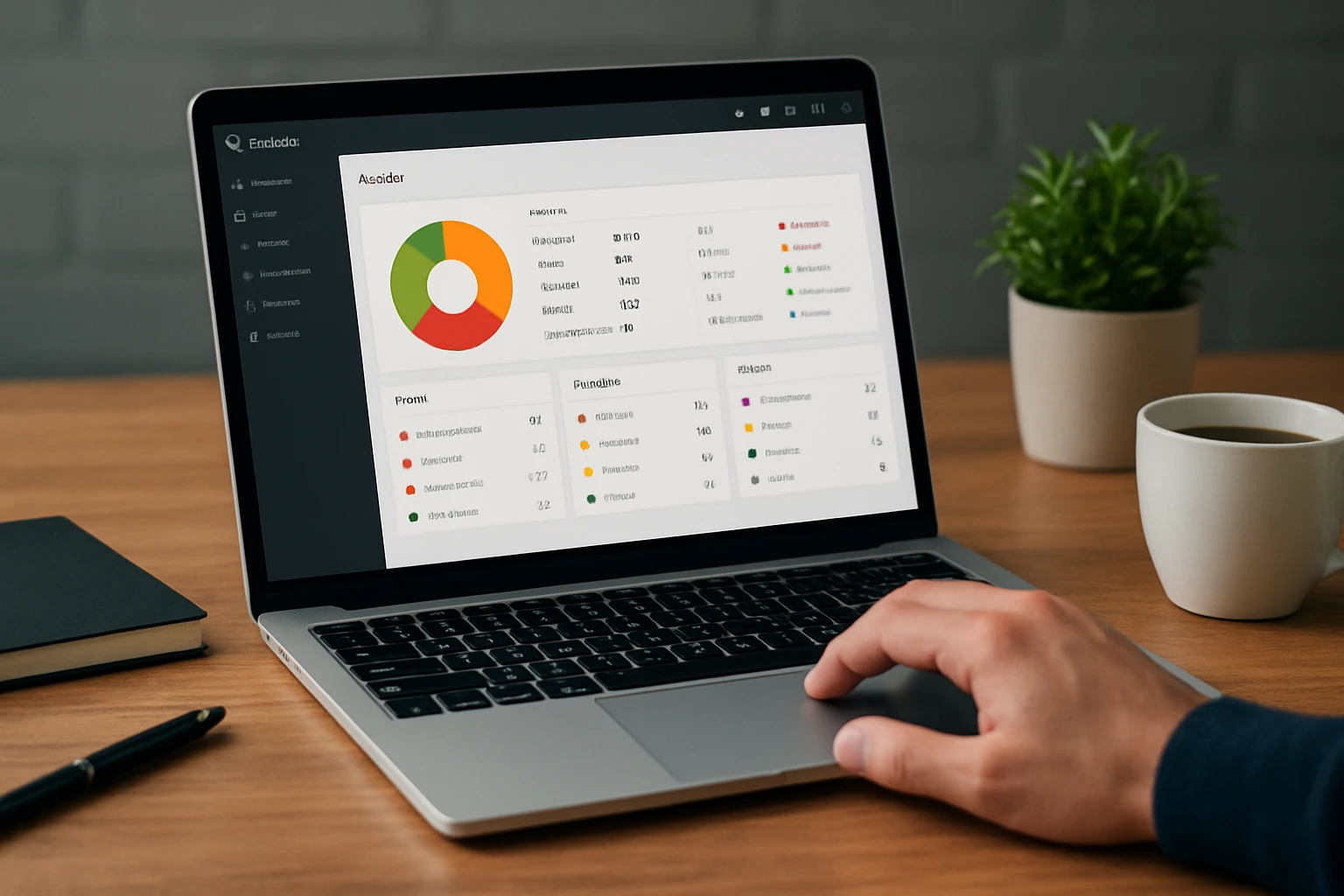
Sitebulb is a desktop crawler with an educator’s heart. It does not just list problems, it explains why they matter with plain-language “hints,” charts, and network-style crawl graphs that non-specialists can understand. Those visuals are not fluff. They are decision accelerators when you need buy-in from executives or cross-functional peers. If your organization struggles to demystify the technical side of Search Engine Optimization, Sitebulb can bridge the gap between expert and stakeholder.
- Standout features: Hints with context and recommended fixes, crawl maps, internal linking analysis, and smooth integrations with Google Search Console and analytics.
- Best for: Consultants and in-house leads who need to educate while they diagnose.
- Pricing: Affordable per-seat licensing with generous feature access.
Use case: For multi-location brands, we visualize click depth to ensure every location page is within three clicks from the homepage. Lower depth often correlates with higher impressions and calls from searchers, a direct line to local revenue.
#5 Google Search Console
Google Search Console is not a traditional crawler, but it is the source of truth for how Google sees your site. The Index Coverage report reveals what is excluded and why, the Page Experience and Core Web Vitals views surface performance friction, and the URL inspection tool confirms indexation at the page level. It also shows query and page-level clicks, impressions, and average positions, so you can validate whether technical changes help or hurt visibility. In short, it is an essential companion to any audit workflow.
- Standout features: Index Coverage, URL inspection, sitemaps submission, crawl stats, and structured data error reporting.
- Best for: Everyone. If you manage a website, you need this data to verify technical Search Engine Optimization decisions.
- Pricing: Free.
Practical tip: At Internetzone I, we pair a weekly crawl with Search Console’s crawl stats to understand how often Googlebot visits critical templates. If frequency drops after a deployment, we investigate immediately to prevent traffic loss.
#6 Lumar (formerly Deepcrawl)
Lumar, previously known as Deepcrawl, is an enterprise-grade cloud crawler built for large platforms and complex architectures. It scales across millions of pages, offers robust segmentation, and provides automated quality assurance that pings you when templates change or errors spike. For teams with multiple brands and markets, its dashboards and alerts keep everyone looking at the same technical truth. That consistency helps reduce finger-pointing and accelerates fixes across product, engineering, and marketing.
- Standout features: Advanced segmentation, JavaScript rendering at scale, automated change alerts, and integrations with analytics and task managers.
- Best for: Enterprises, publishers, and marketplaces with sprawling site structures.
- Pricing: Custom, based on scale and feature needs.
Why we like it: When a client with millions of product pages replatforms, we use Lumar to run pre- and post-deployment crawls and to monitor for canonical and indexation drift. Early detection can save months of lost demand.
#7 Botify
Botify is a heavyweight platform purpose-built for large, revenue-critical sites where crawl budget and index efficiency are make-or-break. It combines crawl analytics with log file analysis, showing exactly how search engines behave versus what your architecture intends. Its intelligence layer prioritizes fixes that are most likely to unlock additional organic sessions, not just clear errors. That connection between technical truth and business outcome is where Botify earns its keep.
- Standout features: Log file analysis, crawl and indexation modeling, JavaScript rendering, and actionable prioritization tied to traffic potential.
- Best for: Enterprise eCommerce, travel, and publishers managing tens or hundreds of millions of URLs.
- Pricing: Enterprise contracts tailored to site complexity.
Field insight: Botify’s log analysis helped one Internetzone I client discover that only 60 percent of their highest-margin templates were regularly crawled. Reworking internal links and sitemaps lifted crawl frequency and revenue within one quarter.
#8 Oncrawl

Oncrawl blends deep crawling with a data-science mindset. It ingests logs, overlays engagement and conversion data, and exposes patterns that traditional audits often miss. If you want to segment by template, business line, or geography, Oncrawl’s flexible structure makes it straightforward to compare how each slice performs. For data-driven teams that love to query and visualize, it is a strong fit.
- Standout features: Log monitoring, internal link scoring, segmentation, and robust data exports into your analytics or data lake.
- Best for: Technical specialists and analysts who want to tailor audits to unique business models.
- Pricing: Tiered enterprise plans.
Local angle: We use Oncrawl to isolate patterns on location pages versus corporate pages. When location pages carry unique content, structured data, and strong internal links, they tend to climb faster in local search packs and organic listings.
#9 SE Ranking Website Audit
SE Ranking’s Website Audit is a friendly, cloud-based option with clear dashboards and straightforward issue explanations. It is a great entry point for small to medium businesses that need a dependable technical baseline without enterprise complexity. Scheduling, white-label reporting, and simple prioritization make it easy to fold into weekly routines. If you are upgrading from manual checklists or one-off scans, this tool can get you humming quickly.
- Standout features: Scheduled audits, issue grouping by category, internal linking checks, page speed insights, and useful reporting for stakeholders.
- Best for: Small to medium teams and agencies seeking an affordable, reliable audit companion.
- Pricing: Included in SE Ranking subscriptions with limits by plan.
Why it works: We often deploy SE Ranking audits for franchise networks that need regular hygiene checks across many small sites. The reports are easy to digest and act on, which keeps momentum high.
How to choose the right option for your stack
Choosing a crawl tool is not about finding the fanciest dashboard. It is about matching capabilities to your site’s scale, your team’s skill set, and the business outcomes you care about. Start by scoring your needs: do you have heavy JavaScript and complex navigation, or mostly static templates? Are you solving national eCommerce issues or a network of local service pages that must be discoverable across dozens of cities? Then pair the right tool with the right operating rhythm so audits lead to fixes, not just lists.
- Define your audit goals: Faster load times, improved indexation, repaired internal linking, or stronger structured data for rich results.
- Map your site scale: Page count, template count, and content delivery network details determine whether desktop or cloud suits you.
- Pick your engine: Desktop for speed and flexibility, cloud for scale, collaboration, and scheduling.
- Schedule the cadence: Weekly for volatile sites, biweekly for moderate change, and monthly for stable architectures.
- Close the loop: Tie issues to tickets, track resolution time, and measure impact with analytics and Google Search Console.
| Tool | Type | Best-fit scale | Notable strength | Local-ready? | Pricing model |
|---|---|---|---|---|---|
| Screaming Frog SEO Spider | Desktop | Small to large | Granular control and speed | Yes, excellent for templated checks | Freemium plus annual license |
| Semrush Site Audit | Cloud | Small to enterprise | All-in-one workflow and reporting | Yes, simple for multi-location rollups | Subscription tiers |
| Ahrefs Site Audit | Cloud | Small to enterprise | Beautiful visuals and link context | Yes, with flexible segmentation | Subscription tiers |
| Sitebulb | Desktop | Small to mid-size | Education-focused hints and graphs | Yes, clarifies click depth | Per-seat license |
| Google Search Console | Cloud | All sizes | Index and performance truth | Yes, validates local impressions | Free |
| Lumar | Cloud | Enterprise | Scalable segmentation and alerts | Yes, strong for global rollouts | Custom enterprise |
| Botify | Cloud | Enterprise | Log analysis plus crawl modeling | Yes, maps crawl budget to value | Custom enterprise |
| Oncrawl | Cloud | Enterprise | Data-science friendly segmentation | Yes, fine-grained locale splits | Custom enterprise |
| SE Ranking Website Audit | Cloud | Small to mid-size | Simple scheduling and reports | Yes, clean franchise rollups | Subscription tiers |
One more thing. Technical health rarely lives in isolation. When we deliver audits at Internetzone I, we pair findings with National and Local Search Engine Optimization initiatives, mobile responsive web design fixes, eCommerce template improvements, and reputation management safeguards. The result is not just a cleaner crawl; it is a clearer path to leads, sales, and reviews, supported by Pay-Per-Click advertising and ongoing managed web services. That is how you turn a checklist into growth.
Your 2026 Technical SEO Audit Game Plan
The promise here is simple: choose the right tool, run a disciplined process, and your site becomes easier to crawl, index, and rank. In the next 12 months, the winners will be the brands that connect technical excellence with local relevance and brand trust, not just the ones who run the most scans. What would change for your business if every critical page loaded fast, resolved cleanly, and earned richer results on the search results page?
Imagine pairing these tools with a roadmap that aligns engineering sprints, content updates, and location page enhancements. If you are ready to make that future your normal, your next step is a focused technical seo audit that is built for National and Local Search Engine Optimization and measured against business outcomes. What will you fix first?
Accelerate Technical Wins with Internetzone I
Level up your technical seo audit and convert findings into growth with National & Local SEO, guided by Internetzone I for businesses ready to scale results.