
If you came here for a responsive web design example that actually wins customers, you are in the right place. Think about the last time you bounced from a site because the text was microscopic or the button was half off-screen. Friction is expensive, and with more than 60 percent of visits coming from mobile devices according to widely cited industry trackers, mobile usability directly shapes rankings and revenue. Here, I will show you how a responsive approach improves visibility in SEO (Search Engine Optimization), accelerates speed metrics, and converts more visitors, while sharing battle-tested moves from projects led by Internetzone I, Inc. Did I mention we will walk through a simple, real-world structure you can adapt today?
Before we dive deep, a quick promise. By the end, you will understand the fundamentals, see how the moving parts work under the hood, apply best practices, avoid common mistakes, and pick the right tools to ship your own responsive web design example with confidence. Along the way, I will highlight how Internetzone I supports the entire journey with National and Local SEO (Search Engine Optimization), Web Design that is mobile responsive and SEO-focused (Search Engine Optimization focused), eCommerce Solutions, Reputation Management, Adwords-Certified PPC Services (Pay-Per-Click Services), and Managed Web Services. Ready to trade pinch-and-zoom for smooth, profitable sessions?
Fundamentals of a Responsive Web Design Example
Let’s start with the big idea. A responsive site uses fluid grids, flexible media, and media queries to adapt layout and typography to the device, rather than forcing users to adapt to you. In practice, that means CSS (Cascading Style Sheets) rules like max-width: 100 percent on images, relative units such as rem and vw for type, and media queries that progressively enhance the experience at logical content breakpoints. Because Google’s index is mobile-first and page experience signals matter to SEO (Search Engine Optimization), responsiveness is not a box to check, it is a ranking and revenue lever. When your layout fits the viewport and your core tasks stay obvious, your bounce rate drops and your conversion rate climbs.
To anchor the concept, here is a quick comparison of popular approaches teams still debate. If you have ever wondered whether adaptive layouts or an old m-dot site could still cut it, use this as your north star. Notice how the SEO (Search Engine Optimization) impact shifts with each method because of duplication, signals, and crawl efficiency. Internetzone I often guides clients through this exact decision before a full redesign, aligning the approach with revenue goals and operational budgets.
| Approach | How It Works | Pros | Cons | SEO (Search Engine Optimization) Impact |
|---|---|---|---|---|
| Responsive | One codebase with CSS (Cascading Style Sheets) fluid grids and media queries | Maintain one URL, consistent UX (User Experience), future friendly | Requires careful planning and testing | Strong signals on one URL, great for mobile-first indexing |
| Adaptive | Predefined layouts for specific breakpoints served server-side | Fine control per device class | More templates to maintain, risk of gaps on new devices | Okay, but can fragment signals and slow iteration |
| Dynamic Serving | Server detects device and serves different HTML (HyperText Markup Language) | Granular control per request | Fragile detection, complexity increases bugs | Risky if not perfectly implemented, varies by crawler |
| Separate m-dot | Mobile content on m.example.com | Legacy quick fix | Duplicate management, redirects, split link equity | Weaker than responsive for long-term SEO (Search Engine Optimization) |
One more foundation to lock in is philosophy. Mobile-first is not mobile-only. You design for the smallest meaningful context first to ensure focus on core tasks, then progressively enhance for roomier canvases. Content-first thinking complements this by shaping layout around user intent rather than forcing content into a pretty shell. From accessibility to performance budgeting, these fundamentals become the guardrails that Internetzone I brings into sprints so Design, Engineering, and SEO (Search Engine Optimization) work as one story, not separate subplots.
How a Responsive Web Design Example Actually Works
Under the hood, the responsive magic is a choreography of CSS (Cascading Style Sheets) Grid, Flexbox, container or viewport-based breakpoints, and fluid media. Start with the viewport meta tag in HTML (HyperText Markup Language) to match device width, then scale fonts using rem and responsive clamp functions so headlines don’t shout on phones or whisper on desktops. Add srcset and sizes to images to deliver crisp, efficient assets, and consider modern formats like WebP (Web Picture) or AVIF (AV1 Image File Format) for lighter payloads. Finally, test performance against Core Web Vitals such as Largest Contentful Paint (LCP), Interaction to Next Paint (INP), and Cumulative Layout Shift (CLS), because speed and stability shape both UX (User Experience) and SEO (Search Engine Optimization).
Watch This Helpful Video
To help you better understand responsive web design example, we’ve included this informative video from Kevin Powell. It provides valuable insights and visual demonstrations that complement the written content.
To make this concrete, here are common breakpoints and the intent behind each. Don’t obsess over exact pixels. Instead, let your content inform where layout tension appears, then set min-width queries that relieve that stress gracefully. Internetzone I often starts with two or three strategic breakpoints and adds more only if the content truly demands it.
| Breakpoint Range | Typical Devices | Layout Shifts | Notes |
|---|---|---|---|
| 0 to 480 px | Small phones | Single column, stacked navigation, large tap targets | Prioritize primary call to action and search |
| 481 to 768 px | Large phones and small tablets | Two-column cards, sticky header, visible filters | Watch line length for readability |
| 769 to 1024 px | Tablets and small laptops | Multi-column grids, expanded navigation | Promote secondary calls to action without crowding |
| 1025 px and up | Desktops and large laptops | Max-width content region, sidebars, complex tables | Keep width readable, avoid edge-to-edge paragraphs |
Now let’s connect process to outcomes. A reliable workflow goes like this: 1) Audit analytics and search data to see top devices, tasks, and friction. 2) Map content priorities, then wireframe mobile-first screens. 3) Prototype interactions for clarity and speed using system fonts and real copy. 4) Build lean templates with semantic HTML (HyperText Markup Language), modern CSS (Cascading Style Sheets), and progressive enhancement in JavaScript (JS). 5) Test across devices and browsers with both lab and field data. 6) Launch, monitor Core Web Vitals, and iterate. Internetzone I’s Managed Web Services keeps this loop humming post-launch so you never freeze at version 1.0 while competitors keep shipping.
Best Practices That Turn Traffic Into Revenue

First up is performance, because slow pages are invisible. Compress images and serve responsive variants via srcset, prefer WebP (Web Picture) or AVIF (AV1 Image File Format), and lazy load below-the-fold media. Use a CDN (Content Delivery Network), enable HTTP/2 (Hypertext Transfer Protocol version 2) or HTTP/3 (Hypertext Transfer Protocol version 3), preconnect to critical domains, and defer non-essential JavaScript (JS). Minify CSS (Cascading Style Sheets) and JavaScript (JS), inline critical CSS (Cascading Style Sheets), and cache aggressively. Real talk: shaving 1 second from load time can lift conversions noticeably, and Google’s studies and industry benchmarks back it up. Internetzone I regularly pairs performance budgets with design sprints so features land without torpedoing speed.
Next is usability and accessibility, the dynamic duo of trust. Make tap targets at least 44 by 44 pixels, avoid tiny icons for core actions, and test with keyboard navigation. Use semantic HTML (HyperText Markup Language), proper headings, and descriptive alt text. Ensure contrast ratios meet guidelines and error states include helpful hints. For navigation, consider a sticky header with a clear call to action and a highly visible site search. If you use ARIA (Accessible Rich Internet Applications), apply roles and labels thoughtfully, and keep motion subtle to avoid distraction. When users can do the job in three taps or less, you are on the conversion path.
Finally, bake in SEO (Search Engine Optimization) from day one. Write compelling title tags and meta descriptions, and structure content with purposeful H2 and H3 headings. Add structured data using JSON-LD (JavaScript Object Notation for Linked Data) where relevant, like Organization, Product, or FAQ. Keep one canonical URL, submit an XML sitemap (Extensible Markup Language sitemap), and ensure robots.txt (robots text) does not block critical assets. For local visibility, maintain exact NAP (Name, Address, Phone) details and feed your Google Business Profile with reviews. Tie it all together with internal links that help both humans and crawlers discover the next best step. This is where Internetzone I’s National and Local SEO (Search Engine Optimization) team collaborates tightly with Web Design that is mobile responsive and SEO-focused (Search Engine Optimization focused) for compound wins.
- Adopt mobile-first, content-first planning so the essentials arrive fast.
- Use CSS Grid and Flexbox for reliable, flexible layouts that survive content changes.
- Design finger-friendly navigation and forms with clear affordances and labels.
- Serve responsive images with srcset and sizes, and prefer modern formats.
- Measure Core Web Vitals such as LCP (Largest Contentful Paint), INP (Interaction to Next Paint), and CLS (Cumulative Layout Shift) continuously.
- Document standards in a living design system so teams ship consistently.
Common Mistakes That Kill Mobile Traffic
I have lost count of how many audits surface the same avoidable issues. Oversized hero images with text baked into the graphic, auto-play videos that hijack bandwidth, and carousels that hide key value props are common offenders. Others include missing the viewport meta tag, relying on desktop-only hover states, or pushing critical messages below the fold with bloated banners. Even worse, some sites block CSS (Cascading Style Sheets) or JavaScript (JS) from crawlers, starving SEO (Search Engine Optimization) while users wrestle with broken layouts. When these pile up, your paid campaigns in PPC (Pay-Per-Click) work twice as hard to keep the pipeline full, and that is expensive.
Here is the short list Internetzone I uses when rescuing underperforming builds. Spot any of these on your site, and you likely found lost revenue. We once removed two intrusive popups, resized hero media, and tightened fonts for a regional retailer. The result over 60 days was a 31 percent conversion lift and 18 percent organic traffic growth, measured in analytics and backed by ad-platform data. Simple changes, real money.
- Ignoring keyboard and screen reader accessibility, leading to task dead-ends.
- Using images for critical text, which fails translation, accessibility, and SEO (Search Engine Optimization).
- Not making phone numbers tap-to-call or addresses map-friendly on mobile.
- Hard-to-tap links placed too close together, causing accidental taps.
- Heavy third-party scripts loading early, delaying Largest Contentful Paint (LCP).
- Unclear forms without labels, helpful errors, or mobile-friendly keyboards.
- Forgetting dark mode or safe areas around notches, leading to clipped content.
Tools and Resources to Build Your Own Responsive Web Design Example
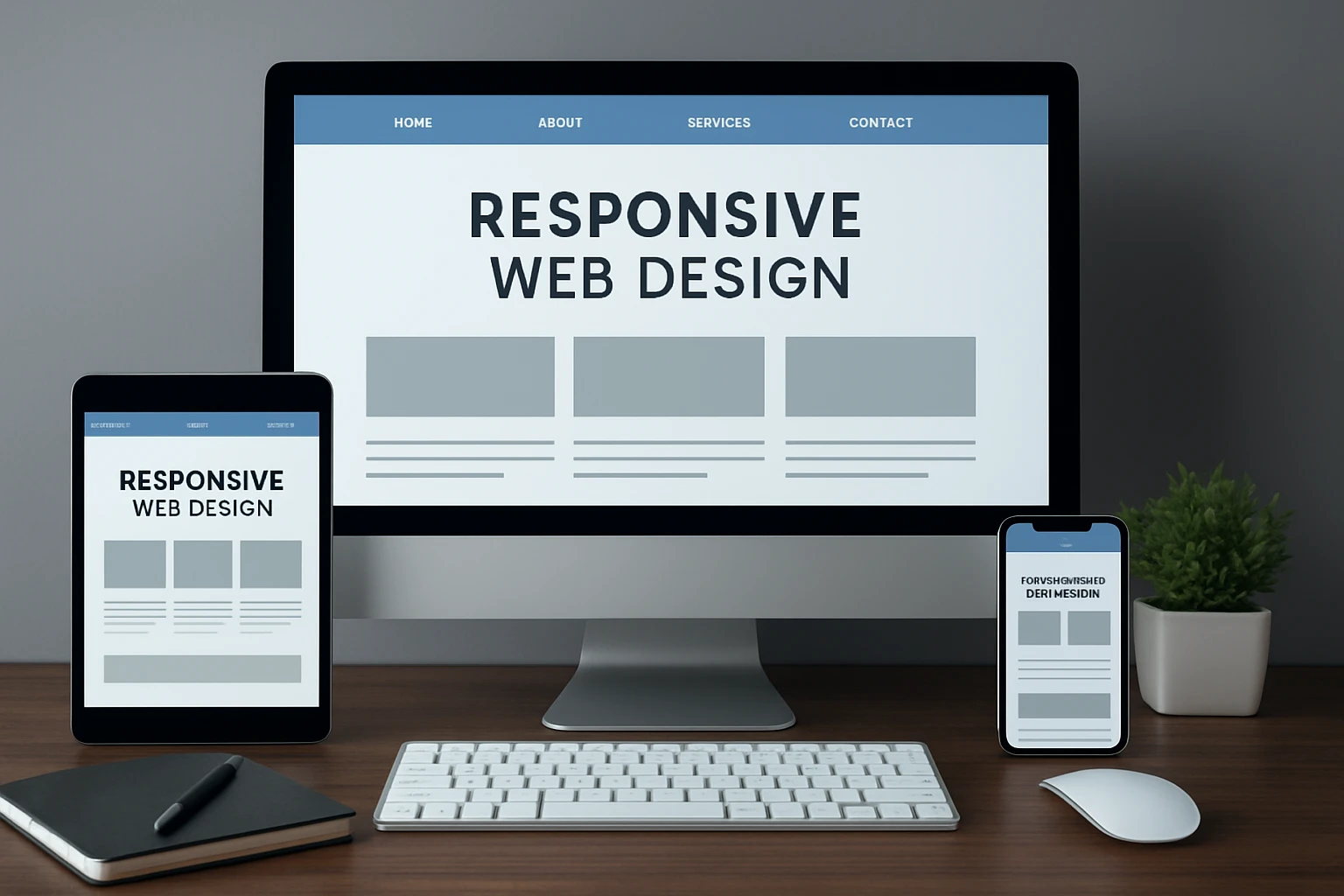
The right stack reduces friction from idea to deploy. For design, tools like Figma support component-driven UI (User Interface) and collaborative UX (User Experience) flows, though pen and paper still win for quick prioritization. For development, lean on semantic HTML (HyperText Markup Language), modern CSS (Cascading Style Sheets) Grid and Flexbox, and lightweight JavaScript (JS) patterns. For testing, use Chrome DevTools device emulation and Safari Responsive Design Mode, then verify on real hardware. For performance, test in lab and field with Lighthouse, PageSpeed Insights, and WebPageTest to validate Core Web Vitals such as LCP (Largest Contentful Paint), INP (Interaction to Next Paint), and CLS (Cumulative Layout Shift). Internetzone I’s Managed Web Services weave these into ongoing releases so improvements never stall after launch.
| Category | Purpose | Recommended Tools | What To Watch |
|---|---|---|---|
| Design and Prototyping | Plan UI (User Interface), flows, and components | Figma, FigJam, whiteboards | Ensure mobile-first wireframes and real copy |
| Code and Build | Author semantic HTML (HyperText Markup Language), CSS (Cascading Style Sheets), JavaScript (JS) | VS Code, Git, modern bundlers | Critical CSS (Cascading Style Sheets), code splitting, source maps |
| Testing and QA | Cross-browser and device checks | Chrome DevTools, BrowserStack | Tap targets, forms, viewport, safe areas |
| Performance | Lab and field speed data | Lighthouse, PageSpeed Insights, WebPageTest | LCP (Largest Contentful Paint), INP (Interaction to Next Paint), CLS (Cumulative Layout Shift) |
| Analytics | Behavior and revenue attribution | Google Analytics, Tag Manager | Event tracking, funnel steps, device cohorts |
| Search and Reputation | Organic growth and trust | Search Console, review platforms | Core Web Vitals, reviews, local pack visibility |
Need a jump-start checklist? Use this as your launch companion. 1) Confirm viewport meta tag and mobile-first CSS (Cascading Style Sheets). 2) Set two to four content-driven breakpoints. 3) Serve responsive images via srcset and sizes with WebP (Web Picture) or AVIF (AV1 Image File Format). 4) Minify, compress, and cache with a CDN (Content Delivery Network). 5) Write compelling metadata and implement JSON-LD (JavaScript Object Notation for Linked Data) where fitting. 6) Test usability, accessibility, and forms on at least five real devices. 7) Measure Core Web Vitals, then iterate weekly for the first month. If that sounds like a lot, it is, but Internetzone I coordinates each step so your team does not juggle five vendors and a dozen dashboards.
Future-Ready Responsive Web Design Strategy
Here is the promise distilled to one line: a thoughtful, fast, and accessible responsive site wins more impressions, more clicks, and more customers.
In the next 12 months, expect container queries, lighter JavaScript (JS), and smarter image pipelines to make responsive builds even faster and more maintainable.
So, what will your next responsive web design example deliver for your customers and your business?
Elevate Responsive Design With Internetzone I
See a tailored responsive web design example that lifts visibility, reputation, and overall digital marketing performance for companies of all sizes with Internetzone I’s mobile responsive, SEO-focused (Search Engine Optimization focused) web design.