
Top 6 Web Mobile Responsive Design Services 2026
The train jolts, your coffee sloshes, and a visitor opens your homepage on a phone with one thumb free. They tap the menu. They squint at the headline. They try to find the button you wanted them to click.
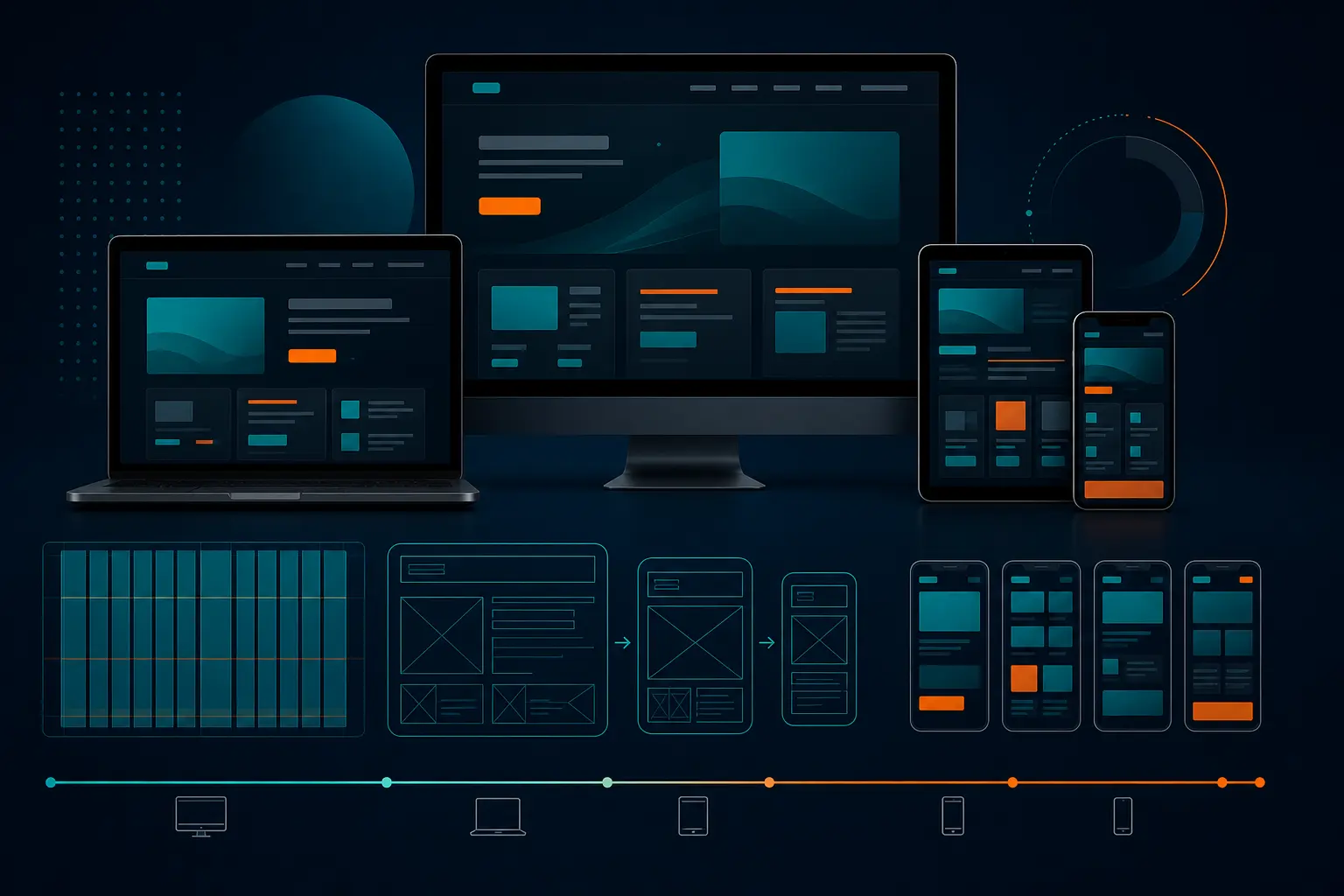
Then, an hour later, that same person reopens your site on a laptop and expects the same menu, images, and call-to-action to still make sense. That is the real test of web mobile responsive design — not whether a static mockup looks polished, but whether the experience holds together from a small phone screen to a wide desktop monitor.
If you run marketing, own a business, manage a multi-location brand, or oversee a site that has slowly become everyone’s side project, this is for you. I have sat in those meetings. One person says “responsive” and means “make it shrink.” Another means “make it faster.” Another means “please stop the mobile menu from hiding our revenue pages.” All fair. All different.
So let’s sort out the six service types that show up most often in 2026, what each one should actually deliver, and where each one fits best.
-
Need a full rebuild with strategy, content structure, and QA? One option fits that.
-
Need a cleaner design system and smoother developer handoff? Different option.
-
Need a quick launch, a lower budget, better accessibility, or faster mobile speed? Those are separate buys too.
Selection criteria for web mobile responsive design services
Before you compare vendors, define the non-negotiables. Otherwise, you end up buying a pretty homepage and discovering the ugly parts later — forms, navigation, images, and content blocks that fall apart on smaller screens.
What responsive design must actually do
Wikipedia still gives the cleanest plain-English definition: responsive web design is an approach that makes pages render well across a variety of devices and window sizes so people can actually use them and feel good doing it. It adapts layouts with fluid proportion-based grids and flexible images, not with wishful thinking and a desktop screenshot.
That matters because good responsive work is not just visual resizing. MDN groups responsive design alongside HTML, CSS layout, accessibility, performance, and related web technology modules. That is a strong signal: a proper service should think about structure, readability, speed, interaction states, and content behavior across devices.
-
Layouts should reflow cleanly, not just stack awkwardly.
-
Images should scale and crop appropriately without blowing up load time.
-
Menus, forms, and calls-to-action should stay easy to use on touch screens.
-
Text should remain readable without pinch-zoom gymnastics.
** If a provider can only show screenshots, not cross-device behavior, they are not really selling responsive design.
Proof points to ask every provider for
What should you ask for? Live proof. Not mood boards. Not one polished Figma frame. Ask them to show the same page on a phone, tablet, and desktop. Ask for a staging link. Ask how navigation changes, how images swap or resize, and what happens to long headlines or multi-step forms.
Non-negotiable What good looks like What to ask for
Layout adaptation Content reflows naturally across phone, tablet, and desktop Show one live page across three device widths
Flexible images Images scale without distortion or giant file downloads How do you handle responsive images and cropping?
Accessibility Readable text, keyboard support, clear focus states, usable forms What accessibility checks are included in QA?
Performance Fast mobile loading, lighter assets, sensible script usage What before-and-after speed reporting do you provide?
Editing workflow Your team can update copy and images without breaking mobile layouts Can you show how a non-developer updates a page safely?
Red flags that signal a weak fit
I get nervous when I hear any version of these lines:
-
“We’ll make desktop first and clean up mobile later.”
-
“It’s based on a responsive framework, so you’re covered.”
-
“We tested it on my phone.”
-
“We don’t handle accessibility or performance, just design.”
Why? Because your visitors do not experience “just design.” They experience the whole stack. If the page looks good on a 1440px monitor but the mobile menu traps users in a tiny accordion, that project missed the point.
#1 Full-service responsive web design agency
This is the broadest, most hands-on option. You hire one team to handle strategy, design, development, testing, and launch support together.
Best for:** Complex or multi-page sites, growing companies, multi-location businesses, and teams that do not want to coordinate five specialists themselves.
What this service should cover
A strong full-service partner should own the whole device experience. That means discovery, site architecture, content structure, wireframes, interface design, front-end build, CMS setup, responsive QA, and launch support. Since responsive design is supposed to make pages work across a wide range of screen sizes, this service should be able to show how the system behaves everywhere — not just how the homepage looks.
MDN’s broader ecosystem is helpful here. Responsive work sits next to CSS layout, accessibility, performance, and privacy considerations, which is exactly why a full-service engagement often makes sense. One team can resolve tradeoffs earlier instead of tossing them between design, dev, and marketing.
** The best agencies do not just redesign pages; they redesign the entire device experience.
Best for complex or multi-page sites
Do you have 40 service pages, a blog, location pages, lead forms, and maybe a clunky old CMS? This is where full-service shines. I worked on a site once where the desktop navigation looked straightforward in a boardroom presentation, but the real project was turning that same structure into a mobile flow that a hurried visitor could understand in six seconds.
If your site has multiple audience paths — say homeowners, commercial buyers, franchise prospects, and recruiters — the problem is not “make it responsive.” The problem is organizing a lot of information so the right path still feels obvious on a phone. That is strategy work, not just front-end cleanup.
What to verify before hiring
-
Who handles content migration and page-template planning?
-
How do they test navigation, forms, and CTAs across devices?
-
What browsers and screen sizes are in scope?
-
Do they include accessibility and performance checks, or treat them as add-ons?
-
Will they show live examples, not just launch-day case study shots?
If a full-service team cannot explain their QA process in plain language, keep looking.
#2 Figma-first responsive product design studio
This service leans design-first. It is built for teams that care deeply about systems, prototypes, and cleaner handoff between designers and developers.
Best for:** Product-heavy sites, brand-sensitive organizations, SaaS teams, and companies with in-house development or a separate build partner.
How a design-led workflow works
Figma positions Figma Design as a place to design and prototype in one place, Dev Mode as a way to translate designs into code, and Figma Sites beta as a way to publish fully responsive websites. Put those together and you get a workflow that can keep components, spacing, and interaction rules tighter from concept to handoff.
That is useful when you have repeating patterns — pricing cards, feature grids, tabbed content, testimonials, product modules. Instead of reinventing each page, the studio creates a system. On a strong engagement, you can answer specific questions early: What happens to the pricing comparison at tablet width? How does the sticky header change on mobile? Where does the CTA move when the hero gets shorter?
Best for product-heavy or brand-sensitive sites
If brand consistency matters down to the spacing of a button, this is often the right lane. I especially like this model when a company already has developers and needs the design side cleaned up first. Think software marketing sites, membership platforms, funded startups, or established brands doing a serious refresh.
It also helps when multiple stakeholders keep changing the same interface pieces. A shared component system can stop the “why is this card different on page 12?” problem before it spreads.
Where handoff usually breaks down
Here is the catch: design-to-code handoff is helpful, but it is not production-ready responsive development by itself. A polished prototype may not account for real CMS content, edge-case headlines, browser quirks, or the weight of actual images. I have seen a beautiful Figma mobile comp turn messy the moment real copy from legal, sales, and SEO got pasted in.
** Design-to-code handoff is helpful, but it is not the same thing as production-ready responsive development.
Before signing, ask who owns the build, how component states are documented, and what happens when real content does not match the prototype.
#3 No-code responsive website service
This is the fast-mover option. You want a live, mobile-friendly site without a heavy engineering cycle.
Best for:** Lean teams, quick launches, campaign sites, early-stage brands, and businesses that need easy updates after launch.
What a no-code service should include
No-code should still mean standards. A decent service should include responsive page building, image handling, CMS editing, forms, basic SEO settings, reusable sections, and a sane editing workflow for non-developers. If your team cannot swap a hero image or edit a content block without breaking mobile spacing, the convenience disappears fast.
W3Schools is a useful reminder that this space has matured. It says its free tutorials have helped millions of internet users every day since 1999, highlights W3Schools Spaces as a way to create a site with no setup required, and offers an online code editor where users can edit code and see results in the browser. Different product, same lesson: ease of setup matters, but visibility into the result matters too.
** Speed matters, but a quick launch is only valuable if the mobile layout remains easy to edit later.
Best for fast launches and lean teams
Need a recruiting microsite next month? Launching a new service line? Running a local campaign and need landing pages live by Tuesday? No-code is great when your bottleneck is time and internal technical capacity, not custom application logic.
It is also nice for marketing teams that update content often. If you publish offers, event pages, or seasonal campaigns every few weeks, a simpler editor can save real money and sanity.
Where no-code can fall short
No-code gets shaky when your site needs deep integrations, unusual workflows, or heavy customization. It can also create hidden problems if the underlying structure is bloated or if your vendor builds everything in a way only they can manage.
-
Ask whether the platform allows clean responsive controls.
-
Ask how images are compressed and served to smaller screens.
-
Ask what happens if you outgrow the platform in 12 months.
If the answer is vague, assume migration pain later.
#4 Responsive template/theme customization service
This route starts with a proven foundation and customizes it for your brand. You are not building from zero; you are improving a structure that already exists.
Best for:** Budget-conscious brands, brochure sites, smaller ecommerce stores, and companies that want a reliable starting point without a full custom build.
How template-based delivery works
The vendor selects a responsive template or theme, then adapts the branding, page sections, content, and sometimes the navigation structure. This can work surprisingly well if the starting template is solid. W3Schools explicitly notes that it offers responsive website templates, and that matters because a good template should already support the basics Wikipedia points to — fluid grids and flexible images.
Think of it like buying a well-built house and remodeling the rooms, not pouring a brand-new foundation. You save time. You reduce risk. But only if the house was built well in the first place.
** A template is a shortcut, not a strategy.
Best for budget-conscious brands
If your needs are fairly standard, this can be the smartest spend. A local clinic, law office, manufacturer, or 20-product store may not need a fully custom front-end. They need clarity, speed, and trust. A customizable template can deliver that if the scope stays focused.
Figma describing Figma Sites as a way to publish fully responsive websites also reinforces a bigger truth: starting from a responsive base is often the right move. Reinventing common patterns is not always money well spent.
What should be customized first
Do not waste your budget changing minor decorative details while the high-impact areas stay generic. Start here:
-
Navigation and information hierarchy
-
Homepage hero, messaging, and primary CTA
-
Typography and spacing for smaller screens
-
Key conversion pages and forms
-
Images, proof elements, and trust signals
If those five areas feel right on mobile, the whole site usually feels better.
#5 Accessibility-first UX/UI and responsive audit service
This option is less about starting over and more about making an existing experience clearer, more inclusive, and easier to use across devices.
Best for:** Public-facing organizations, regulated industries, businesses serving broad age ranges, and teams that suspect usability problems run deeper than visual design.
What an accessibility-focused review checks
MDN includes accessibility among its core web technology areas for a reason. A serious audit should look at heading hierarchy, keyboard navigation, focus indicators, contrast, alt text, form labels, zoom behavior, content reflow, and error states. On mobile, it should also check whether interaction patterns still make sense when space gets tight.
Wikipedia’s usability-and-satisfaction framing is useful here. A site can technically resize and still frustrate people. That is where accessibility work earns its keep.
** Readable on mobile is not the same thing as accessible.
Best for public-facing or regulated sites
If your audience includes older users, people on assistive tech, or visitors filling out important forms under stress, this service deserves real attention. Healthcare groups, education providers, legal services, financial firms, and government-adjacent organizations jump out here, but it is hardly limited to them.
Even a simple contact page can fail badly if labels disappear, error messages are unclear, or the keyboard covers half the form on an iPhone. I have watched that happen. It is painful because the fix is usually less dramatic than the damage it causes.
Common fixes that improve both access and mobile UX
-
Stronger visual hierarchy and shorter paragraphs
-
Clearer form labels and easier error recovery
-
Larger tap targets and better button spacing
-
Headings that create cleaner scanning on small screens
-
Simpler accordions, tables, and comparison blocks
These are not “nice extras.” They often improve conversion paths too.
#6 Mobile performance optimization specialist
This is the service for sites that already exist but feel heavy, sluggish, or frustrating on mobile connections.
Best for:** Content-heavy sites, traffic-heavy sites, ecommerce catalogs, media libraries, and any brand losing patience-driven users before the page settles.
What gets optimized
MDN includes performance as a core web topic and specifically highlights responsive images. That is a big clue. A lot of mobile pain comes from sending oversized assets, too many scripts, or desktop-first resources to small devices. Wikipedia also specifically mentions flexible images as part of responsive design, which tells you image handling is not a side detail — it is central.
A strong specialist will usually review images, fonts, JavaScript, CSS delivery, third-party tags, lazy loading, and how different breakpoints affect page weight. If your site looks fine but takes forever to become usable on a phone, this is the lane.
** A responsive site that is slow is still a poor mobile experience.
Best for content-heavy or traffic-heavy sites
Publish a lot of articles? Have hundreds of product pages? Rely on paid traffic where every bounce hurts? Performance optimization pays back quickly in those cases. The same goes for sites with many hero images, embedded media, or years of script buildup from marketing tools.
One very common issue: the phone downloads an image sized for a desktop banner. It “fits” visually, so nobody notices in a design review. But the visitor notices. Their thumb knows before your analytics dashboard does.
What metrics to demand in reporting
Do not settle for “it feels faster.” Ask for before-and-after reporting that includes:
-
Mobile page weight changes
-
Image payload reductions
-
Key template comparisons, not just the homepage
-
Real-device or real-network testing notes
-
Trends in mobile performance indicators and usability after launch
If you can’t see what improved, you can’t manage it.
How to choose the right option
Now we match the service depth to your reality. This is where a lot of teams go wrong. They shop by budget line first, then discover they bought the wrong kind of help.
Choose by business stage and internal capacity
If you have no designer, no front-end developer, and no one who wants to own QA, a full-service agency is usually the safest choice. If you already have developers but your brand system is a mess, a Figma-first studio may be enough. If your team just needs to launch and edit pages without engineering bottlenecks, no-code or template customization often fits better.
W3Schools highlights guided paths, quizzes, code challenges, and certificates — structured support that helps people move from learning to execution. The same idea applies here. If your internal team needs more scaffolding, buy more complete support.
Choose by complexity, not just budget
MDN’s curriculum spans HTML, CSS layout, dynamic scripting, accessibility, and performance. That’s a reminder that responsive work touches a lot of disciplines at once. Figma’s product set spanning design, Dev Mode, and responsive publishing makes the same point from a tools angle: different stages need different strengths.
If your situation looks like this Best-fit service Main watchout
Large relaunch, many page types, limited internal resources Full-service responsive web design agency Make sure QA and post-launch support are explicit
Strong internal dev team, weak design system Figma-first responsive product design studio Handoff quality does not replace implementation quality
Need a site live quickly with easy editing No-code responsive website service Watch for platform limits and future migration pain
Need a reliable launch on a tighter budget Responsive template/theme customization service Do not mistake a template for messaging strategy
Usability complaints, compliance concerns, broad audiences Accessibility-first UX/UI and responsive audit service Readable does not automatically mean accessible
Site works but feels slow on phones Mobile performance optimization specialist Demand hard reporting, not vague reassurance
Choose the option that fits your update cadence, not just your launch date.
Questions to ask before you sign
Want a simple buyer checklist? Start here:
-
Can you show this work live across phone, tablet, and desktop?
-
How do you handle responsive images and content overflow?
-
What accessibility checks are included?
-
What mobile performance work is part of the scope?
-
How will our team update content after launch without breaking layouts?
-
What pages or templates are tested, and how is that documented?
-
What happens after launch when we add new pages or campaigns?
If the answers are crisp, specific, and easy to follow, you are probably talking to the right kind of partner. If every answer sounds like a sales deck, you probably are not.
Why Your Web Mobile Responsive Design Choice Matters After Launch
What You Are Really Buying
The right web mobile responsive design** service proves your site will look right, load fast, and stay usable after launch — not just during the pitch.
The Question Worth Asking Next
Pretty mockups fade fast when real visitors hit slow pages, awkward menus, or hard-to-read forms. When you review your shortlist, which proof matters most to your business right now: end-to-end delivery, faster publishing, stronger accessibility, or lighter mobile performance?
Build Better With Internetzone I
Get mobile-responsive, SEO-focused web design backed by broader digital marketing support to boost visibility, trust, traffic, and conversions for companies of any size.

Written by
Darren DunnerDigital marketing strategist and founder of Internetzone I, helping businesses connect SEO, paid media, web design, and conversion strategy to measurable growth.
Get more Internetzone I insights in Google
Add Internetzone I as a Preferred Source to see more of our SEO, AI search, AEO, GEO, reputation management, and digital marketing insights in Google.
Get a Quote
To Get a Quote, fill out the form and we will get back to you via phone or email.