
If technical audit seo is on your 2026 to-do list, you are in the right place. Whether you manage a lean startup site or an enterprise ecosystem with millions of pages, the right toolkit can help you uncover crawl traps, speed snags, indexation gaps, and messy redirects before they drain revenue. In our client work at Internetzone I, we see this every week: when technical foundations are right, everything else in SEO (Search Engine Optimization) gets easier, faster, and far more profitable.
This roundup is for companies of all sizes aiming to improve online visibility, protect reputation, and sharpen digital performance. You will find quick-hit summaries, best-fit use cases, and practical tips drawn from real audits across National & Local SEO (Search Engine Optimization), site operations, eCommerce, and multi-location brands. And because not every team has the same resources, we highlight which tools shine for in-house marketers, agencies, and developers alike.
One quick data point to frame the stakes: independent studies repeatedly show that users abandon a page if it takes more than three seconds to load, and most clicks happen on the first search engine results page (SERP) entry. Technical errors slow pages, confuse crawlers, and quietly block rankings. Ready to find and fix issues with clarity and speed? Let’s dig in.
Our Technical Audit SEO (Search Engine Optimization) Selection Criteria
How did these tools make the cut? We scored platforms against the needs we see most often while helping clients at Internetzone I scale organic growth nationwide and locally. Our north star is simple: will this tool help you find vital problems quickly, translate them into prioritized tasks, and prove the impact to stakeholders without drama?
- Crawl coverage and depth: Handles small sites to millions of pages without timing out.
- JavaScript rendering: Accurately simulates how search engines parse dynamic content.
- Core Web Vitals insight: Surfaces field and lab data for Largest Contentful Paint, Cumulative Layout Shift, and Interaction to Next Paint.
- Indexation diagnostics: Flags canonicalization, duplicate content, and noindex issues cleanly.
- Crawl behavior insights: Helps understand how bots and crawlers interact with your site.
- Automation and alerts: Notifies you when something breaks after a release.
- Integrations: Plays well with analytics, data warehouses, and application programming interfaces (API) pipelines.
- Reporting clarity: Executive-friendly visuals and export options for faster buy-in.
- Local signals: Surfaces structured data and location nuances for National & Local SEO (Search Engine Optimization).
- Value for money: Transparent plans or strong free tiers so you can start fast.
| Criterion | Why It Matters |
|---|---|
| Rendering accuracy | Dynamic content is everywhere; you need to see what Google actually sees. |
| Scalability | Enterprise sites demand stable, parallel crawls without throttling. |
| Prioritization | Teams ship more fixes when issues are ranked by impact and effort. |
| Audit-to-action workflow | Ticket-ready tasks speed collaboration with developers and content teams. |
#1 Google Search Console – Baseline Health, Indexing, and Fix Validation
Google Search Console is the first stop for any technical team. It shows index coverage, sitemaps, manual actions, security issues, and Core Web Vitals at scale. It is not a full crawler, yet it provides the truth you need about how Googlebot is actually interacting with your site. For quick wins, use it to validate fixes post-deployment and to triage which sections of the site need a deeper crawl.
Watch This Helpful Video
To help you better understand technical audit seo, we’ve included this informative video from Ahrefs. It provides valuable insights and visual demonstrations that complement the written content.
- Highlights: Index coverage, page experience, sitemap submissions, and rich result testing.
- Best for: Baseline monitoring and verifying that critical pages are discovered and indexed.
- Pricing snapshot: Free.
#2 Screaming Frog SEO Spider – Precision Desktop Crawls
Screaming Frog SEO Spider is a powerhouse desktop crawler beloved by technical specialists. It handles custom extraction, JavaScript rendering, redirect chains, canonical tags, and structured data audits. Because it runs locally, it is blazing fast on targeted sections and supports precise auditing before and after code releases.
- Highlights: Custom extraction, JavaScript rendering, eXtensible Markup Language (XML) sitemap analysis, and canonical audits.
- Best for: Deep page-level diagnostics and quick pre-release checks.
- Pricing snapshot: Generous free tier; paid license for advanced features.
#3 Sitebulb – Visual Explanations and Developer-Friendly Priorities
Sitebulb blends crawl depth with smart visualizations. Its graphs turn complex site architecture into intuitive maps, so your team sees exactly how internal links and crawl paths behave. The tool’s recommendations are written in clear, human language, making it great for onboarding non-technical stakeholders to technical wins.
- Highlights: Visual crawl maps, internal linking analysis, and insightful explanations.
- Best for: Agencies and in-house teams who need to sell fixes internally.
- Pricing snapshot: Desktop license; free trial available.
#4 Semrush Site Audit – All-in-One Platform Synergy
Semrush Site Audit pairs a capable cloud crawler with the rest of the Semrush suite. You can connect projects, monitor issues over time, and tie technical fixes to keyword and backlink initiatives. For many marketers, having site health, keywords, and competitors in one place streamlines reporting and prioritization.
- Highlights: Scalable cloud crawls, issue tracking, and integration with keyword and backlink tools.
- Best for: Marketing teams wanting a single pane of glass for strategy and execution.
- Pricing snapshot: Paid plans; trials and bundles available.
#5 Ahrefs Site Audit – Clean Dashboards and Clear Priorities
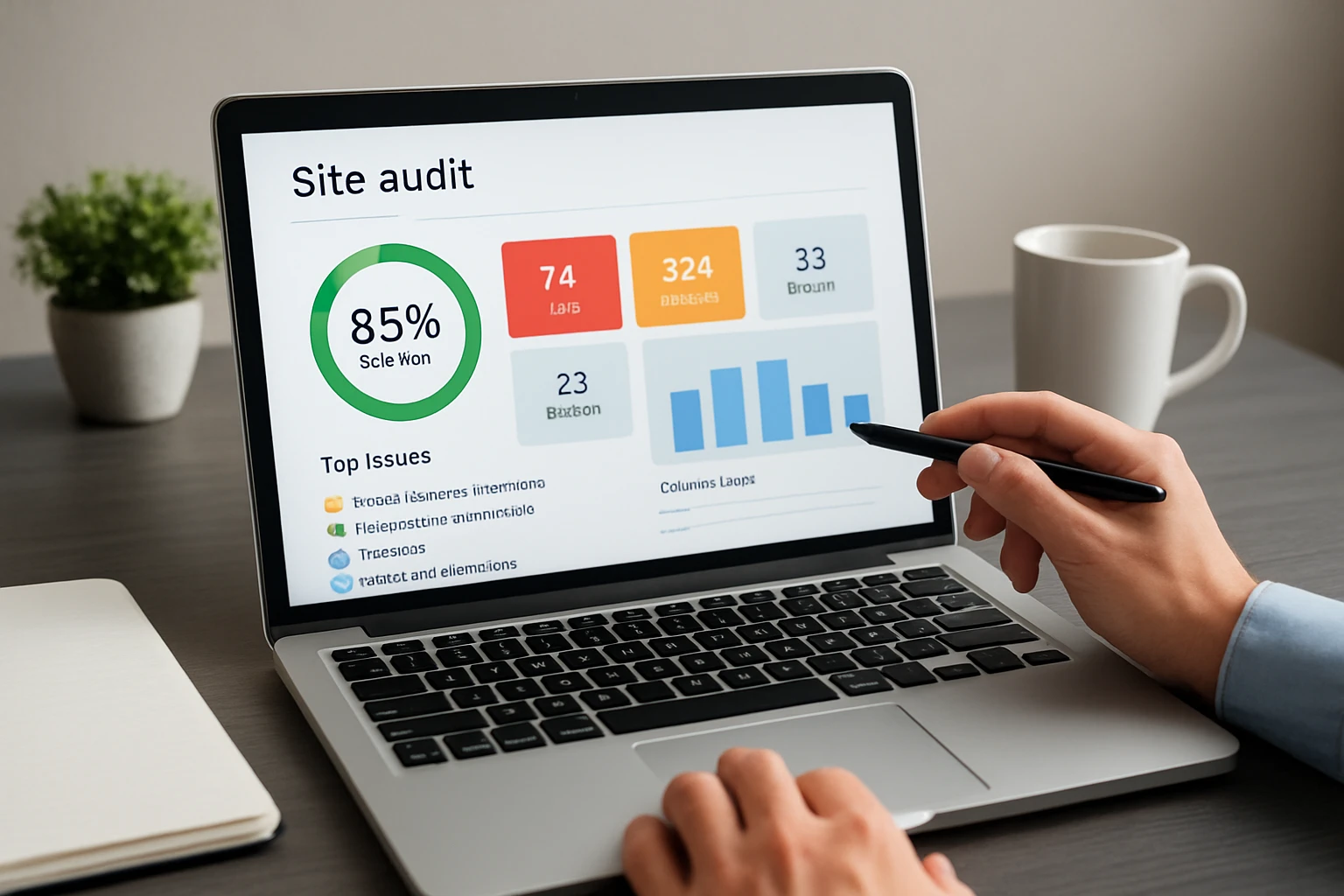
Ahrefs Site Audit offers a straightforward, cloud-based crawler with crisp reporting. It shines when you want to tie technical insights to content opportunities from Ahrefs’ backlink and keyword datasets. The interface makes it easy to spot recurring issues like thin content, redirect loops, and duplicate titles at scale.
- Highlights: Cloud crawls, easy-to-read health scores, and cross-tool synergy.
- Best for: Teams who already use Ahrefs and want unified reporting.
- Pricing snapshot: Paid plans; trial options vary.
#6 Lumar (formerly Deepcrawl) – Enterprise-Grade Scale and Governance
Lumar is built for big, complex sites. It handles massive crawls, robust JavaScript rendering, and covers advanced areas like internationalization and automation. With strong scheduling, reporting, and permissions, it fits enterprises that require governance and reliable cadence across multiple brands or regions.
- Highlights: Enterprise-scale crawls, advanced scheduling, and international auditing.
- Best for: Large organizations with millions of pages and strict workflows.
- Pricing snapshot: Quote-based enterprise plans.
#7 Botify – Data-Rich Enterprise Crawling and Log Files
Botify couples deep crawling with log file analysis to show the gap between what your site offers and what search engines actually request. That reality check is invaluable for prioritizing internal linking and templating fixes that drive revenue. If you need to align engineering sprints with proven crawler behavior, this is a strong candidate.
- Highlights: Log file analysis, robust reporting, and enterprise integrations.
- Best for: Enterprises needing evidence-based prioritization and executive dashboards.
- Pricing snapshot: Quote-based; enterprise focus.
#8 Oncrawl – Technical Depth With Data Science Flair
Oncrawl brings a data science lens to crawling and log ingestion. It correlates crawls with analytics to prove what changes move the needle, then helps uncover content silos and crawl budget waste. If you want to get nerdy with segmentations and tie fixes to performance metrics, Oncrawl’s your friend.
- Highlights: Log analysis, segmentations, and analytics correlations.
- Best for: Data-driven teams and eCommerce platforms with complex templates.
- Pricing snapshot: Tiered paid plans; enterprise options available.
#9 JetOctopus – Speedy Cloud Crawler With Straightforward Pricing
JetOctopus delivers fast cloud-based crawling with helpful visualizations and log file integrations. Many teams like its transparent pricing and the ability to tackle large projects without desktop constraints. It is practical, quick to learn, and strong for mid-market brands that need scale without red tape.
- Highlights: Rapid cloud crawls, log file integration, and clear dashboards.
- Best for: Mid-sized sites and agencies managing multiple properties.
- Pricing snapshot: Competitive paid plans; demos available.
#10 Ryte – Indexation Health and Content Quality Checks

Ryte focuses on keeping your site indexable and fast, with a clean interface for content and technical checks. It helps you fix thin or duplicated content, flag noindex or canonical pitfalls, and monitor performance changes. It is a sensible pick for teams who want less setup and more steady monitoring.
- Highlights: Indexation oversight, content checks, and performance monitoring.
- Best for: Brands investing in ongoing site hygiene and content freshness.
- Pricing snapshot: Paid tiers; free test options are limited.
#11 Google Lighthouse and PageSpeed Insights – Performance You Can Ship On
Google Lighthouse and PageSpeed Insights are go-to tools for Core Web Vitals and performance optimization. They provide both lab and field data so you can diagnose render-blockers, unoptimized images, and layout shifts. Pair these with a crawler for a fuller view, then push fixes through your development pipeline with confidence.
- Highlights: Lab and field metrics, Core Web Vitals, and actionable performance hints.
- Best for: Developers and product teams tuning speed and stability.
- Pricing snapshot: Free.
Quick Comparison: Technical Audit Tools at a Glance
| Tool | Type | JavaScript Rendering | Log Files | Core Web Vitals | Pricing Model | Best For |
|---|---|---|---|---|---|---|
| Google Search Console | Platform insights | Limited | No | Yes | Free | Baseline health |
| Screaming Frog SEO Spider | Desktop crawler | Yes | With add-on | Indirect | Freemium | Targeted deep dives |
| Sitebulb | Desktop crawler | Yes | Partial | Indirect | License | Visual explainers |
| Semrush Site Audit | Cloud crawler | Yes | Limited | Yes | Paid | All-in-one users |
| Ahrefs Site Audit | Cloud crawler | Yes | Limited | Yes | Paid | Unified reporting |
| Lumar | Enterprise cloud | Yes | Yes | Yes | Quote | Large enterprises |
| Botify | Enterprise cloud | Yes | Yes | Yes | Quote | Evidence-based fixes |
| Oncrawl | Enterprise cloud | Yes | Yes | Yes | Paid | Data-driven teams |
| JetOctopus | Cloud crawler | Yes | Yes | Yes | Paid | Mid-market scale |
| Ryte | Cloud platform | Yes | No | Yes | Paid | Ongoing hygiene |
| Google Lighthouse and PageSpeed Insights | Performance suite | Yes | No | Yes | Free | Speed optimization |
How to Choose the Right Option
Start with your goals and constraints. If you are validating a redesign, a desktop crawler like Screaming Frog SEO Spider or Sitebulb can pressure-test templates fast. Running a multi-brand enterprise? Consider Lumar, Botify, or Oncrawl for governance, automation, and log data. For ongoing performance tuning, pair Google Lighthouse with a crawler so fixes are tied to real user experience (UX) improvements.
- Define the problem: Speed, indexation, or architecture? Pick a tool that leads with that strength.
- Map your stack: Ensure integrations with analytics and your content management system (CMS).
- Plan the workflow: Choose platforms that create ticket-ready tasks for engineers and content teams.
- Prove impact: Use benchmarks from Core Web Vitals and conversions to show return on investment (ROI).
| Scenario | Must-Have Features | Suggested Tools |
|---|---|---|
| Local franchise rollout | Structured data checks, location page indexing, and internal linking | Semrush Site Audit, Ryte, Google Search Console |
| Enterprise migration | JavaScript rendering, log files, and automation | Lumar, Botify, Oncrawl |
| Speed triage | Core Web Vitals with actionable diagnostics | Google Lighthouse and PageSpeed Insights |
| Template QA after release | Fast desktop crawls and diff comparisons | Screaming Frog SEO Spider, Sitebulb |
| Budget-conscious monitoring | Reliable cloud crawling and simple reports | JetOctopus, Ahrefs Site Audit |
Where does Internetzone I fit in? We align your business goals with the right mix of tools, then turn audits into shipped improvements. One recent example: for a multi-location healthcare client, we paired a crawler with Google Lighthouse to fix render-blocking resources and page templates. The result was a 28 percent lift in organic sessions and a stronger reputation profile supported by our Reputation Management program and Adwords-Certified PPC (Pay-Per-Click) Services for branded queries.
If you operate across regions, our National & Local SEO (Search Engine Optimization) approach ties technical fixes to location signals. Think consistent Name, Address, Phone (NAP) data, crawlable location pages, and LocalBusiness schema. That is complemented by our eCommerce Solutions for high-converting product templates and Managed Web Services to keep everything stable after launch.
What This Means for Your 2026 SEO (Search Engine Optimization) Roadmap
Great tools do not win rankings alone — teams do, with the right priorities and steady execution. Use this list to cut through noise and pick the stack that helps you ship fixes faster.
Imagine the next 12 months with fewer surprises, faster pages, and cleaner indexation trends you can present to leadership with pride. Which bottleneck, if removed this quarter, would unlock the biggest gains for your brand’s visibility and revenue from technical audit seo?
Advance Technical Audits With Internetzone I
Accelerate technical audit seo gains using National & Local SEO (Search Engine Optimization) from Internetzone I to grow visibility, strengthen reputation, and increase conversions across every market.